M.
Overview of Market Profile (Daily)
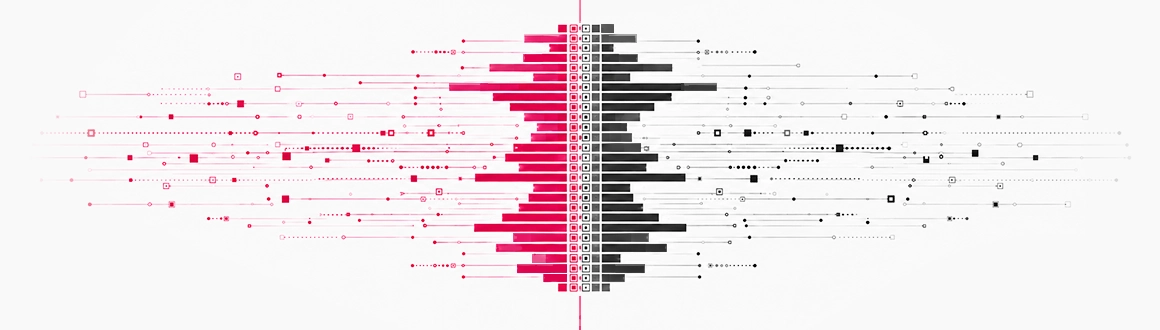
This market profile for NinjaTrader 8 supports 2 profile types:
- Volume profile: The market profile reflects volume distribution at different price levels. For instance, a volume profile entry of 100 indicates that 100 contracts have been traded at that specific price. This approach is recommended for instruments with accurate volume metrics across markets.
- TPO profile: The profile is based on the TPO (Time Price Opportunity) distribution by price. To simplify the concept, we have removed the time element and now refer to a TPO simply as a "hit" of the market at a certain price. For instance, if a TPO profile shows a row of 100, it means the market has traded at that price 100 times. This approach is recommended for instruments that do not have true volume data.
THIS VERSION SHOWS A MARKET PROFILE NINJATRADER 8 FOR EACH DAY (view all versions).
Key features:
Market Profile (Daily) for NinjaTrader 8 has many highlights, you can refer to:
- Build and print DAILY volume profiles or TPO profiles
- Give total control on resolution configuration (instruction for NT7 version)
- Let you choose session break or any custom time as the start time of a day
- Provide docking effect to help today's profile remain visible on chart
- Print volume or TPO number at each priceĀ NT8 onlyĀ
- Print important profile levels (POC, WAP, VAL, VAH, day low, day high) with professional price labels (support fractional price format for ZB, ZF, ZNā¦)
- Display daily summary including total volume/TPO, high-low distance, close-open distance
- Allow painting profile with color gradient to highlight where volume/TPO distributes most or least
- Allow defining value area with custom percentage
- Allow quick on/off switch via a draggable & customizable toggle, WITHOUT reloading chartĀ
Ā NT8 only Ā
Whether you scalp, swing, or trend-trade, our full collection of NinjaTrader 8 indicators has something built for your style. Hundreds of traders have already upgraded their charts ā click to find your perfect match.
Software Changelog
- 03 Apr 2025:Some minor code revision was made.
- 08 Nov 2024:A bug was fixed to stabilize the indicator on all machines.
- 22 Aug 2024:The indicator was re-exported to be compatible with recent changes of the platform.
Policies
Software license
Every purchase includes a perpetual software license, granting you the right to use the software indefinitely on the number of computers permitted by your license.
Installation & Onboarding
Every purchase includes guided installation assistance.
Purchases with Premium Services also include white-glove software setup and onboarding, along with personalized trading setup and workflow optimization.
Software updates & upgrades
Software updates & upgrades are provided at no additional cost.Ā
For products with a modular structure, this coverage applies to the core product, while optional expansion modules may be offered separately.
Read the full policy
Customer service
Every purchase includes lifetime support via email & chat, delivered by our renowned Customer Care team ā widely recognized throughout the trading community for its world-class service.
As your NINZA product collection expands, Premium Path unlocks a growing range of enhanced Customer Care benefits & privileges, available through dedicated channels.
Explore Premium Path
Remote assistance
Every purchase includes up to 3 complimentary remote assistance sessions, available within 30 days of purchase ā with each session lasting up to 30 minutes.
Purchases with Premium Services include up to 6 sessions within 60 days of purchase, with priority scheduling and longer session durations.
Product exchange
Customers may request up to 3 product exchanges within 30 days of purchase, at little or no additional cost when exchanging for a comparable product.
Read the full policy
Returns & refunds
Due to the ease with which software products can be stored and copied, no returns will be accepted and no refunds will be issued.
ALL SALES ARE FINAL & NON-REFUNDABLE.