What is divergence indicator for NinjaTrader?
This NinjaTrader 8 divergence indicator recognizes divergence patterns based on swing-point analysis. For a swing to be detected, a delay of N bars is required. Therefore, divergence signals are delayed by N bars, where N = 3 by default for accurate identification (N is at least 1).
However, this delay is not serious because a valid divergence has a long-term effect, often tens or hundreds of bars afterward.
How can we catch a swing high exactly at its peak?
Only after some more bars without further price increase can we know it is a swing high.
Why should you choose the Divergence Hidden$ indicator?
Here's why this powerful divergence indicator for NinjaTrader 8 was developed:
- Following the tremendous success of Divergence Engine (catching REGULAR divergences)...
- And with an increasing demand for a great detector of hidden divergences...
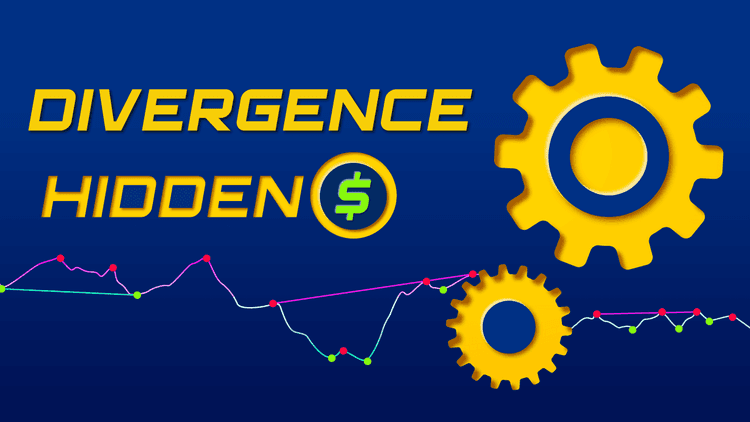
... We programmed and released Divergence Hidden$, our AMAZING divergence indicator for NinjaTrader 8 that catches HIDDEN divergences, which signal possible trend continuations. This is a UNIVERSAL solution to hidden divergence trading.
Divergences can be identified by comparing price action and an oscillator of your choice, ranging from RSI to MACD, stochastic... You can also make a combination of Divergence Hidden$ and our free indicators or any pre-built oscillators in NinjaTrader 8. Any indicators, from any vendors!
Upon purchasing this indicator, you will receive a Trader Manual with step-by-step instructions to help you select any oscillator of yours for divergence identification.
How Divergence Hidden$ indicator works?
Our Divergence Hidden$ indicator specialized for NinjaTrader 8 helps identify hidden divergences, which signal possible trend continuations:
- Bullish hidden divergence: This pattern is observed when price action makes a higher low but the oscillator makes a lower low.
- Bearish hidden divergence: This pattern is observed when price action makes a lower high but the oscillator makes a higher high.
With its dedicated NinjaScript signals, Divergence Hidden$ can be used in Market Analyzer to scan tens or even thousands of instruments at the same time for divergence signals. Let's imagine how it can save you time and effort in monitoring multiple markets and searching for profit opportunities from trend continuations.
The "Lookback" feature allows you to scan up to 10 latest swing points for divergence patterns. "Lookback" comes with minimum & maximum definitions so that you can specify a lookback range of your favorite. For example, you only wish to scan for divergences that are based on at least 3 latest swing points and at most 5 latest swing points. We had to use a very sophisticated algorithm in order to program this feature.
Our growing library of best NT8 indicators is designed to simplify complex market data and help you trade with greater clarity and confidence.


_1787026707358.svg)






