
Futures Trading Automation Tools: A Complete Guide
Key takeaways
- Futures trading automation tools translate your strategy rules into live orders, handling entries, exits, and position sizing without manual clicks.
- Broker connections through Rithmic and Tradovate decide your real-world latency, so match the data route to your strategy before you buy anything.
- Signal automation alerts you to act; full algorithmic execution places the trade itself. Most retail traders should start with signals.
- Global futures volume hit 22.73 billion contracts in the first nine months of 2025, up 8.1% year over year (FIA).
- Pick a tool by matching it to your platform, broker, and budget rather than by feature count alone.
Futures trading automation tools take a set of trading rules and run them for you, placing orders, managing stops, and sizing positions while you step away from the screen. If you are comparing providers and want to know which setup fits your platform, broker, and budget, this guide walks through what these tools do and how to choose one.
The market backdrop matters. In the first nine months of 2025, global futures volume reached 22.73 billion contracts, up 8.1% year over year, according to the Futures Industry Association. More volume means more opportunity, and more reason to stop trading by hand on every tick.
What Do Futures Automation Tools Actually Do?
Automation tools turn a strategy into executed orders without manual clicking. They monitor live price data, fire entries and exits when your conditions are met, apply stops and targets, and often size each position to a fixed risk. The goal is consistency: the software never hesitates, never fears a drawdown, and never skips a setup because it got distracted.
Most tools cover four jobs. First, signal generation, where an indicator or rule set flags a trade. Second, order execution, where the tool sends the buy or sell. Third, trade management, including trailing stops and partial exits. Fourth, risk control, which caps size and daily loss.
That last job is where many traders lose money without automation. Getting size right on every trade is hard under pressure, which is why a reliable position sizing method for futures belongs inside your automation, not in your head.
Connecting Strategies to Brokers Like Rithmic and Tradovate
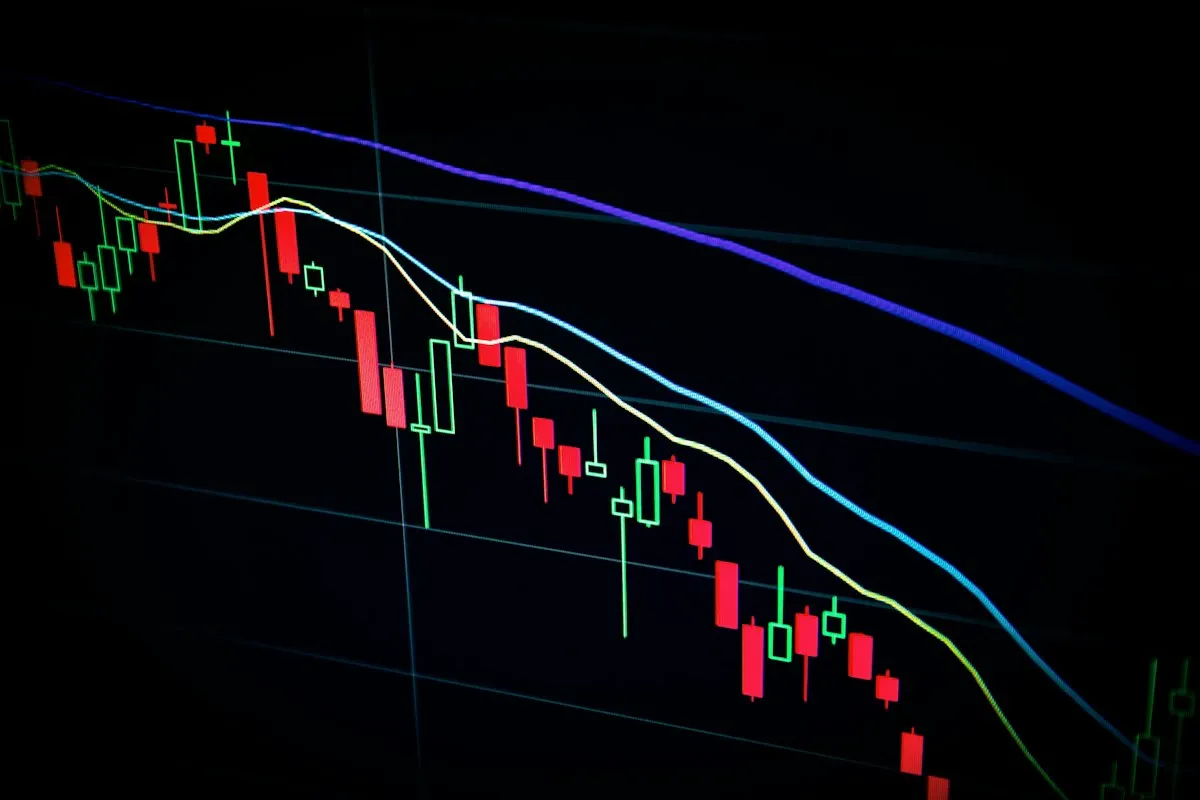
Your broker connection decides how fast and how reliably your orders reach the exchange. A strategy is only as good as the pipe that carries it, and for futures that pipe usually runs through Rithmic or Tradovate. Both route orders to major exchanges such as CME, where contract volume keeps setting records as more traders move to automated order flow.
Rithmic is built around low-latency execution and is popular with traders who scalp or run high-frequency setups. It feeds market data and order flow directly, which matters when milliseconds change your fill.
Tradovate takes a cloud-first approach, with flexible commission plans and browser access. Traders who want flat-rate pricing and lighter infrastructure often prefer it.
When you pick a tool, confirm it supports the broker route you plan to use. An automation add-on that only speaks to one data feed will box you in later. Check that your platform, your tool, and your broker all agree on the same connection before you commit money.
Signal Automation vs Full Algorithmic Execution
Signal automation and full algorithmic execution sit at two ends of the same spectrum. Signal automation watches the market and tells you when to act, usually with an alert, a sound, or a drawn level on the chart. You still press the button. Full algorithmic execution removes your hand entirely: the code places, manages, and closes the trade on its own.
Signals suit discretionary traders who want help spotting setups but keep final say. They are also safer while you test a new idea, because a bad rule produces an alert you can ignore rather than a live order you have to unwind.
Full execution suits traders with a proven, rule-based edge who cannot watch every session. It scales across instruments and reacts faster than any human. The trade-off is trust. A flaw in an unattended algorithm can compound quickly, so most traders earn their way up to it.
A practical path is to run a strategy in signal mode first, log the results for several weeks, then flip to full execution once the live numbers match your backtest. The indicators driving those signals matter too, so start from a shortlist of proven NinjaTrader indicators rather than untested custom code.
How Ninza's Automation Stacks Up Against TradingView Bridges
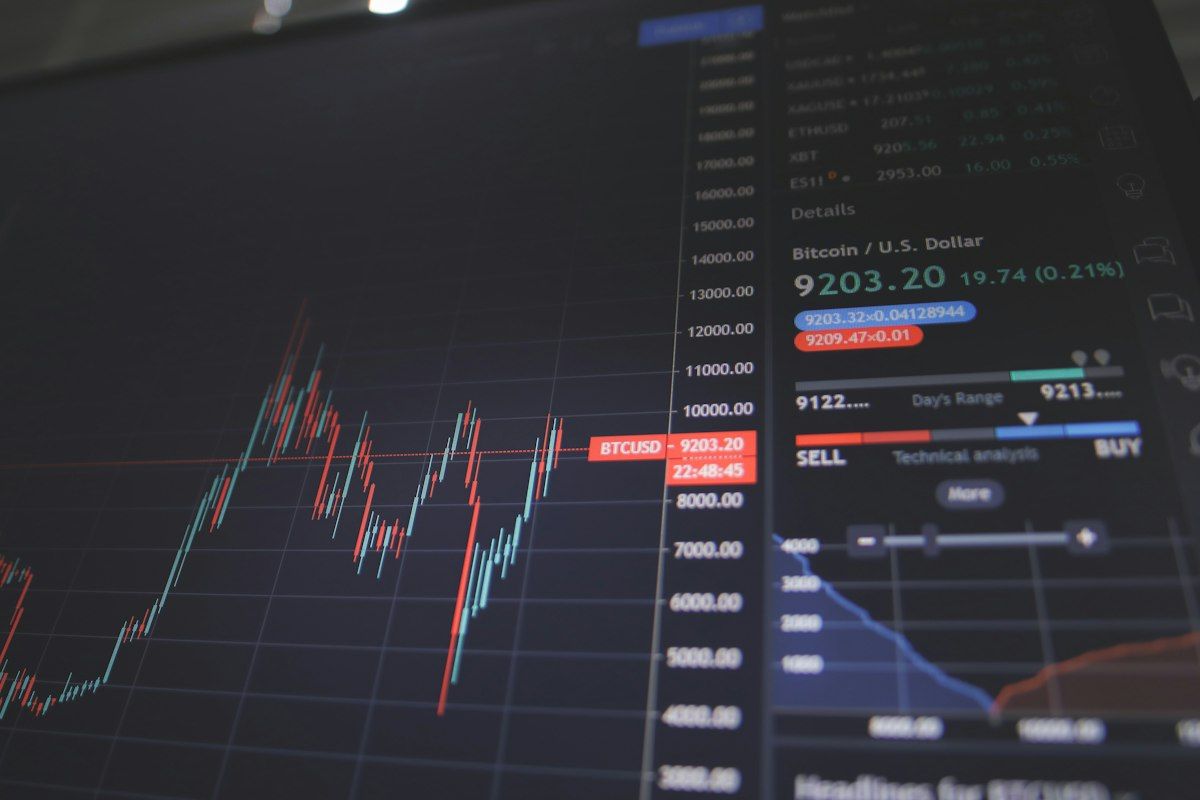
A common question is whether to automate inside NinjaTrader with native tools or to route TradingView alerts through a bridge to a futures broker. Both can work, but they solve different problems, and the difference shows up in reliability and setup effort.
TradingView bridges listen for alerts from a TradingView chart and relay them as orders to a broker or platform. They are flexible and language-agnostic, but they add a hop. Each extra link, from chart to webhook to relay to broker, is another place an order can stall or fail. For slower swing strategies that cost is minor. For fast futures scalping it is a real risk.
Ninza's tools live natively on NinjaTrader, a platform with a large, established base of futures traders. Because the indicators, alerts, and position sizing run inside the same platform that connects to Rithmic or Tradovate, there is no external relay to break. You configure the behavior, point it at your broker connection, and the logic executes where your data already lives.
The honest summary: if your edge starts on a TradingView chart and you trade slowly, a bridge is a reasonable choice. If you trade futures actively on NinjaTrader, keeping automation native cuts moving parts and removes a failure point. Ninza fits the second case because it is designed for that platform from the start.
Choosing the Right Tool for Your Workflow and Budget
The best tool is the one that matches your platform, your broker, and the amount you actually trade. Start by writing down three things: the platform you already use, the broker route you can access, and the strategy style you run. A scalper on Rithmic has different needs than a swing trader sending weekly alerts.
Next, match tier to budget. Platform-bundled automation is often free but basic. Subscription indicators add tested signals for a monthly fee. One-time add-on licenses cost more upfront but remove recurring charges. Weigh the tool price against data fees and commissions, because the cheapest tool can still be expensive once those stack up.
Then test before you scale. Run any tool in simulation, then in signal mode with real data, before you let it place live orders. Watch how it handles a fast market and a connection hiccup, not just a calm trend. A tool that behaves in backtest but freezes during volatility is worse than no tool at all.
Finally, favor fewer moving parts. Every bridge, relay, and plugin you add is another thing to maintain. Tools that run natively on your trading platform, like Ninza's add-ons for NinjaTrader, keep the stack simple and the failure points few.
If you trade futures on NinjaTrader and want to move past manual clicking, your concrete next step is to pick one strategy, run it in Ninza's signal mode against live data for two weeks, and only then decide whether full execution earns your trust.
Frequently asked questions
What do futures trading automation tools actually do?
They convert a defined strategy into live orders. The software watches market data, triggers entries and exits on your rules, and can size positions and manage stops without you clicking each order.
Do I need Rithmic or Tradovate for automated futures trading?
You need one of them, or a similar data and order route, because they connect your platform to the exchange. Rithmic is known for low-latency execution; Tradovate offers a cloud-based, commission-flexible model.
Is signal automation safer than full algorithmic execution?
Signal automation keeps a human in the loop, so you approve each trade. Full execution is faster but removes that check. Beginners usually start with signals and move to full execution after live testing.
How much do futures automation tools cost?
Prices range from free platform-bundled tools to monthly indicator subscriptions and one-time add-on licenses. Budget for the tool, data fees, and broker commissions together, not in isolation.
Can I automate NinjaTrader strategies without coding?
Yes. NinjaTrader supports automated strategies, and third-party add-ons like Ninza's tools let you run indicators, alerts, and position sizing with configurable settings rather than writing C# from scratch.
Download ~ 40 FREE indicators & reach more useful resources !!!
LIVE Intraday Trading | Stop chasing Early Entries. Let Timing guide your entry →

NINZA Indicators
0 online
_1787026707358.svg)
NINZA is an official member of NinjaTrader Ecosystem together with 600+ industry-leading professionals that provide traders with quality trading products & services.




even more payment methods
Quick Links
Instructions
Support
Resources & Information
© Copyright 2026 All Rights Reserved



Because software products may be copied and stored easily, we will NOT issue refunds of any kind. ALL SALES ARE FINAL & NON-REFUNDABLE!
Futures, foreign currency, and options trading contains substantial risk and is not for every investor. An investor could potentially lose all or more than the initial investment. Risk capital is money that can be lost without jeopardizing one's financial security or lifestyle. Only risk capital should be used for trading and only those with sufficient risk capital should consider trading. Past performance is not necessarily indicative of future results.
Hypothetical performance results have many inherent limitations, some of which are described below. No representation is being made that any account will or is likely to achieve profits or losses similar to those shown; in fact, there are frequently sharp differences between hypothetical performance results and the actual results subsequently achieved by any particular trading program. One of the limitations of hypothetical performance results is that they are generally prepared with the benefit of hindsight. In addition, hypothetical trading does not involve financial risk, and no hypothetical trading record can completely account for the impact of financial risk of actual trading. For example, the ability to withstand losses or to adhere to a particular trading program in spite of trading losses are material points which can also adversely affect actual trading results. There are numerous other factors related to the markets in general or to the implementation of any specific trading program which cannot be fully accounted for in the preparation of hypothetical performance results and all which can adversely affect trading results.
NinjaTrader® is a registered trademark of NinjaTrader Group, LLC. No NinjaTrader company has any affiliation with the owner, developer, or provider of the products or services described herein, or any interest, ownership or otherwise, in any such product or service, or endorses, recommends or approves any such product or service.