
Best NinjaTrader Indicators for Futures Traders (2026)
Key takeaways
- A NinjaTrader indicator is worth paying for when it does something the 100-plus built-in tools cannot, such as live order flow or automated position sizing.
- Order flow and risk tools separate serious paid add-ons from the generic momentum scripts resold across cheap indicator shops.
- In 2025, CME Group traded a record average of 28.1 million contracts per day, so futures liquidity rewards traders who manage risk precisely.
- Match indicator type to timeframe: order flow for scalping, trend and volume for swing trades, risk tools across every style.
- NinjaTrader 8 installs most third-party indicators through the Tools import menu, so check vendor compatibility before you buy.
The best NinjaTrader indicators are the ones that do a job the platform's 100-plus built-in tools cannot, then stay out of your way. For most futures traders that means a reliable trend filter, a volume or order flow read, and a risk tool that sizes positions automatically. This guide ranks those categories, explains what makes a paid indicator worth the money, and shows how to match each one to your style and timeframe.
NinjaTrader indicators fall into a few clear buckets, and knowing which bucket you actually need saves you from paying for scripts you will never load. It's easy to overbuy indicators and underuse them. The goal here is the opposite: a small, deliberate toolkit you actually trade from.
What Makes a NinjaTrader Indicator Worth Paying For
A NinjaTrader indicator is worth paying for only when it adds a capability the platform does not already give you for free. NinjaTrader ships with more than 100 pre-built technical indicators covering moving averages, oscillators, and classic volume studies, per the platform's own documentation. If a paid tool just repackages a stochastic, skip it.
So what clears the bar? Three things. First, genuinely new data, such as live order flow, footprint charts, or cumulative delta that the base platform does not render. Second, automation that removes manual steps, like a tool that calculates and submits your position size against a fixed dollar risk. Third, workflow speed, meaning one-click features that would otherwise take several clicks per trade.
Price alone tells you nothing. A cheap script that duplicates a built-in RSI costs more than a free one in screen clutter and false confidence. A well-built risk indicator that prevents one oversized loss can pay for itself in a single session. Judge every purchase against the free baseline, not against other paid tools.
The Top Indicator Categories: Trend, Volume, Order Flow, and Risk
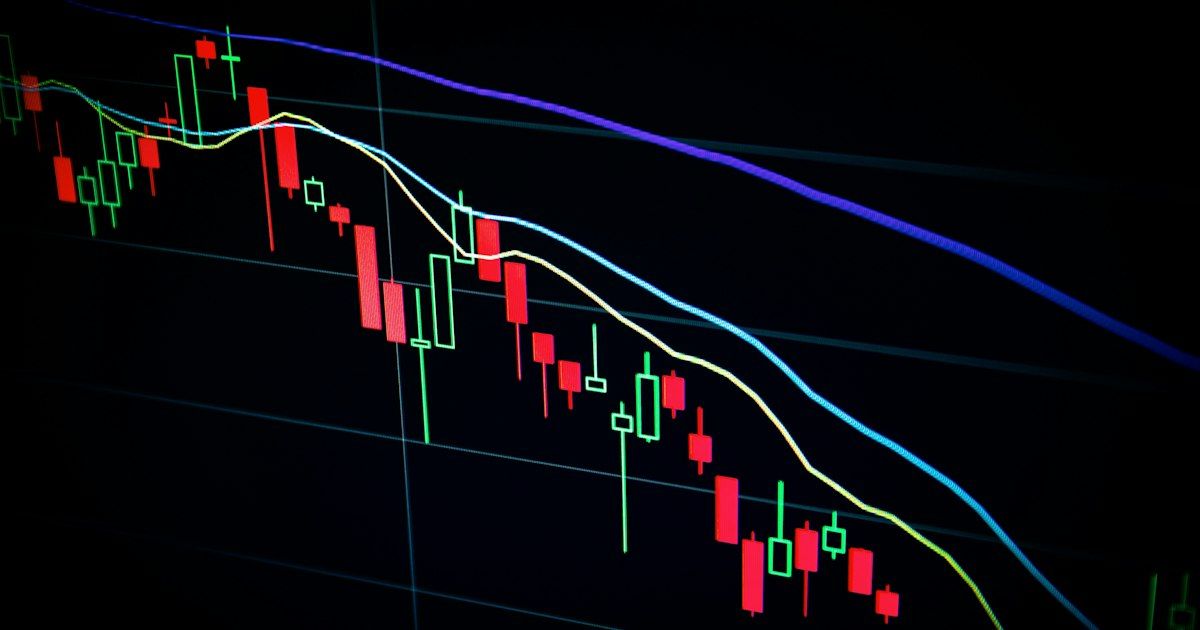
Four categories cover almost everything a futures trader needs: trend, volume, order flow, and risk. Each answers a different question, and the strongest NinjaTrader indicators specialize in one rather than claiming to do all four. Retail traders now make up a large and growing share of this market. The retail segment is projected to hold 38.5% of the algorithmic trading market in 2026, the highest of any trader type (Coherent Market Insights, 2026).
Trend Indicators
Trend tools answer one question: which way is price leaning, and how strongly? Moving average ribbons, adaptive trend filters, and slope-based tools belong here. On NinjaTrader 8 they shine as a context filter. You use them to decide whether to take long signals, short signals, or stand aside, not as standalone entry triggers.
Volume Indicators
Volume tools confirm whether a move has real participation behind it. Volume profile, VWAP bands, and session volume studies show where traders actually transacted. A breakout on thin volume is suspect. The same breakout on heavy volume carries weight. For futures, volume context is often the difference between a clean trend day and a chop day.
Order Flow Indicators
Order flow is the category that justifies most paid purchases. Footprint charts, cumulative delta, and bid-ask imbalance tools read buying and selling pressure tick by tick, well below what standard candles reveal. Scalpers on the ES and NQ lean on these heavily because they expose absorption and exhaustion before price confirms it.
Risk Indicators
Risk tools are the least glamorous and the most valuable. A position sizing indicator takes your account size, your stop distance, and a fixed risk percentage, then tells you exactly how many contracts to trade. This is where NINZA's position sizing indicators fits: it automates the contract math on NinjaTrader 8 so you size every trade against a defined dollar risk instead of guessing. Automating that one decision removes the single most common cause of blown futures accounts.
How NINZA's Indicators Compare to Renko-Only and Generic Add-On Shops
NINZA covers the full category range, which is where it separates from renko-only sellers and generic add-on shops. Many competing stores specialize narrowly, selling one renko bar type or a bundle of repackaged momentum scripts. That works until your strategy needs order flow or disciplined position sizing, and a single-trick shop has nothing to offer.
Renko-only vendors build everything around renko bars, a chart type that filters time and shows only price movement. Renko has fans, but tying your entire toolkit to one niche chart style is a bet on that style never falling out of favor. Generic add-on shops run the opposite risk: wide catalogs of thin indicators, many of which duplicate NinjaTrader's free built-ins.
NINZA's position, by contrast, is a focused toolkit spanning trend, volume, order flow, and risk, built specifically for NinjaTrader users who trade futures and stocks. The practical test is simple. Can one vendor equip your whole process, from trend context to automated sizing, without forcing you onto a single chart gimmick? That breadth, paired with real risk automation, is often what matters most once you compare providers side by side.
Installation and Compatibility With NinjaTrader 8
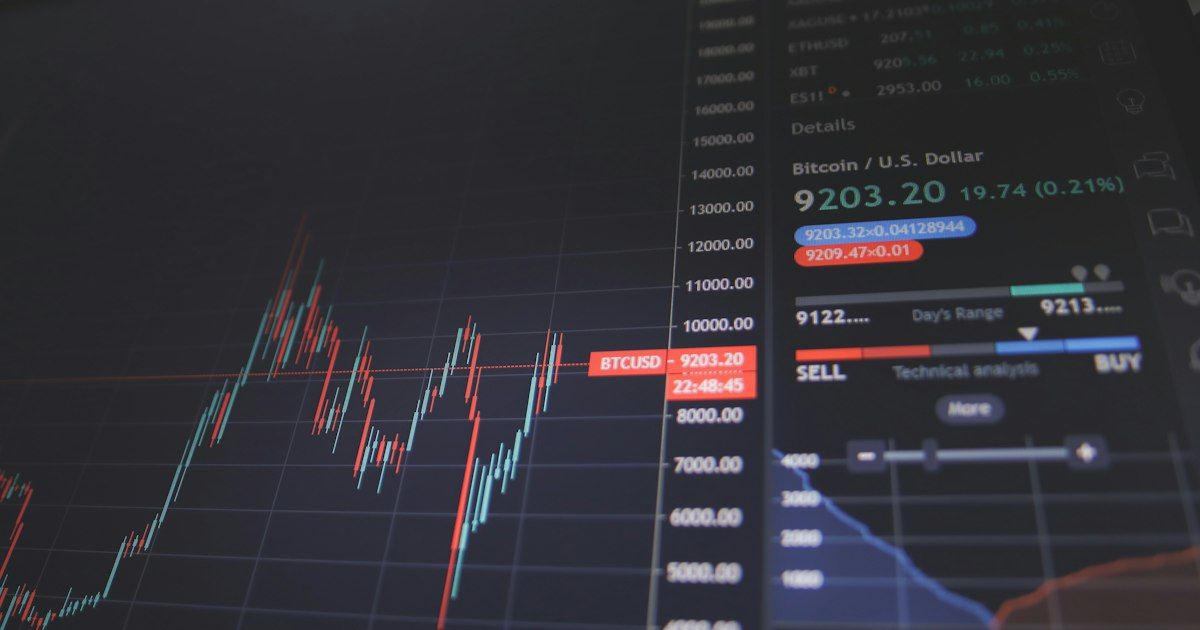
NinjaTrader 8 installs third-party indicators through its import menu, and getting this right prevents most setup headaches. From the NinjaTrader Control Center, open Tools, then Import, then NinjaScript Add-On, and select the vendor's compressed file. The platform unpacks and compiles it automatically, after which the indicator appears in your indicators list (NinjaTrader official documentation).
The compatibility point matters more than the clicks. Indicators built for the older NinjaTrader 7 will not load in NinjaTrader 8 without an updated version, because the two use different code frameworks. Before you buy anything, confirm in writing that the vendor supports NinjaTrader 8. Reputable sellers, NINZA included, state platform compatibility plainly and ship NT8-native tools.
Two habits save you time. First, close and reopen charts after importing, so the new indicator registers cleanly. Second, keep your NinjaTrader 8 build reasonably current, since vendors test against recent releases. If an indicator throws a compile error, it's almost always a version mismatch, not a broken product.
How to Match Indicators to Your Trading Style and Timeframe
Match the indicator category to your timeframe, and your chart gets quieter and more decisive. Liquidity supports this precision: in 2025, CME Group traded a record average daily volume of 28.1 million contracts, up 6% year over year (CME Group, 2026). Deep liquidity rewards traders who read it with the right tool for their speed.
Scalpers working one-minute and tick charts should prioritize order flow and volume. At that speed, trend indicators lag too much to help, while delta and imbalance reads expose pressure shifts in real time. Keep the chart sparse. One order flow tool plus volume is usually enough.
Swing and intraday traders on five-minute to hourly charts get more from trend and volume tools. Here a trend filter sets direction and volume confirms conviction, while order flow becomes optional rather than essential. The slower you trade, the more a clean trend read earns its place.
Risk tools belong on every chart regardless of style. Whether you scalp or swing, a position sizing indicator should govern every entry. A practical starting toolkit is three indicators: one trend, one volume or order flow, and one risk. Add a fourth only when you can explain exactly what gap it fills.
Start by auditing what you already trade. Open NinjaTrader 8, list the decisions you make on each trade, and buy only the indicator that automates the weakest one. For most futures traders, that first purchase should be a risk and position sizing tool, because it protects the account that everything else depends on.
Frequently asked questions
Are paid NinjaTrader indicators worth it over the built-in ones?
They are worth it when they add a capability the platform lacks. NinjaTrader ships with over 100 built-in indicators, so a paid tool should deliver live order flow, automated position sizing, or similar features you cannot replicate for free.
What is the best type of NinjaTrader indicator for futures scalping?
Order flow and volume tools suit scalping best. They read buying and selling pressure tick by tick, which matters on the fast one-minute and tick charts scalpers trade on liquid contracts like the ES and NQ.
Do third-party indicators work on NinjaTrader 8?
Most do, but you must confirm each vendor supports NinjaTrader 8 specifically. NT8 imports indicators through its Tools menu, and tools built for NinjaTrader 7 will not load without an updated version.
How many NinjaTrader indicators should I run at once?
Fewer than most beginners expect. Two or three complementary tools, for example one trend, one volume, and one risk indicator, read more clearly than a crowded chart that produces conflicting signals.
Download ~ 40 FREE indicators & reach more useful resources !!!
LIVE Intraday Trading | Stop chasing Early Entries. Let Timing guide your entry →

NINZA Indicators
0 online
_1787026707358.svg)
NINZA is an official member of NinjaTrader Ecosystem together with 600+ industry-leading professionals that provide traders with quality trading products & services.




even more payment methods
Quick Links
Instructions
Support
Resources & Information
© Copyright 2026 All Rights Reserved



Because software products may be copied and stored easily, we will NOT issue refunds of any kind. ALL SALES ARE FINAL & NON-REFUNDABLE!
Futures, foreign currency, and options trading contains substantial risk and is not for every investor. An investor could potentially lose all or more than the initial investment. Risk capital is money that can be lost without jeopardizing one's financial security or lifestyle. Only risk capital should be used for trading and only those with sufficient risk capital should consider trading. Past performance is not necessarily indicative of future results.
Hypothetical performance results have many inherent limitations, some of which are described below. No representation is being made that any account will or is likely to achieve profits or losses similar to those shown; in fact, there are frequently sharp differences between hypothetical performance results and the actual results subsequently achieved by any particular trading program. One of the limitations of hypothetical performance results is that they are generally prepared with the benefit of hindsight. In addition, hypothetical trading does not involve financial risk, and no hypothetical trading record can completely account for the impact of financial risk of actual trading. For example, the ability to withstand losses or to adhere to a particular trading program in spite of trading losses are material points which can also adversely affect actual trading results. There are numerous other factors related to the markets in general or to the implementation of any specific trading program which cannot be fully accounted for in the preparation of hypothetical performance results and all which can adversely affect trading results.
NinjaTrader® is a registered trademark of NinjaTrader Group, LLC. No NinjaTrader company has any affiliation with the owner, developer, or provider of the products or services described herein, or any interest, ownership or otherwise, in any such product or service, or endorses, recommends or approves any such product or service.