
![[NEW] Why most ICT traders keep falling short](https://forestcms.nyc3.digitaloceanspaces.com/media/small_ICT PhantomTrace banner (ninZaco)(76x549)_1781317050194.jpg)
![June Exclusive: [AbsP] Summer Wave Bundle](https://forestcms.nyc3.digitaloceanspaces.com/media/small_Summer Wave bundle banner (1280x720)_1780571380106.jpg)
_1780570996067.jpg)
![[NEW] Smart Money footprints ahead of yesterday's 6000-tick drop](https://forestcms.nyc3.digitaloceanspaces.com/media/small_Thumbnail Live Trading với BigTrade Sweep_1781164676930.jpg)
![[New trading strategy] Trend following + Order Flow](https://forestcms.nyc3.digitaloceanspaces.com/media/small_Thumbnail ApexFlow Zignal + ThunderZilla (Ông James)_1780572025026.jpg)


![[AbsP] Daily Specials](https://forestcms.nyc3.digitaloceanspaces.com/media/small_daily-specails-hdhd-banner-13_1781342187664.png)

[12 Jun] ICT PhantomTrace: Why most ICT traders keep falling short - Discover indicator
[03 Jun] BigTrade Sweep: Detecting Big Trades in every candle - Discover indicator
[8 May] New Horizon: A new standard in intraday automated trading ☀️ - Discover our Super Autosystem
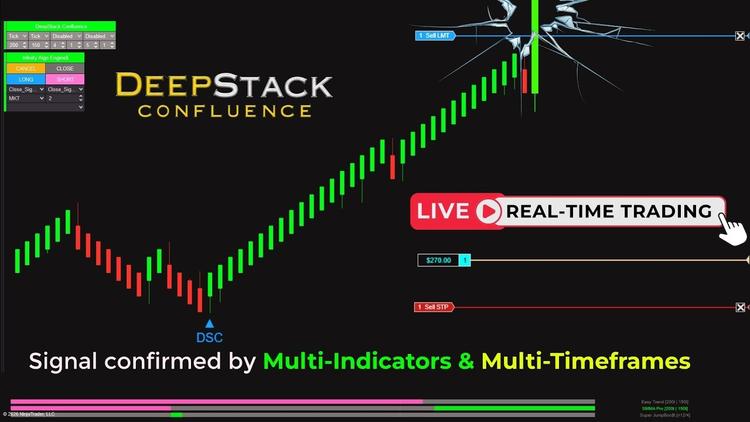
[27 Apr] DeepStack Confluence: Multi-Timeframe & Multi-Indicator confluence in 1 chart - Discover indicator
[22 Apr] Entropy Voltex: Trade only when market conditions support your setup - Discover indicator
[14 Apr] Imbalance Insight Matrix: Detect trading zones that attract the most attention - Discover indicator
Product Description
Multi-layer NinjaTrader 8 Strategy Builder with dedicated ATM Control
Infinity Algo Engine$ is a professional-grade NinjaTrader strategy builder designed as an alternative to the built-in NinjaTrader Strategy Builder, offering a simpler and more direct way to construct complex trading logic and bring it into live execution – without coding or logic distortion.
Unlike basic strategy-building tools, this strategy builder for NinjaTrader 8 allows you to design multi-layered condition chains, handle complex market contexts, and automate execution with precise control:
- Each signal can be tied to unlimited conditions and distinct condition sets.
- Strategies can include multiple entry scenarios, such as trend continuation, pullbacks, failed breakouts, or traps.
- Market context is fully integrated: trend, momentum, liquidity, volume, structure, and more.
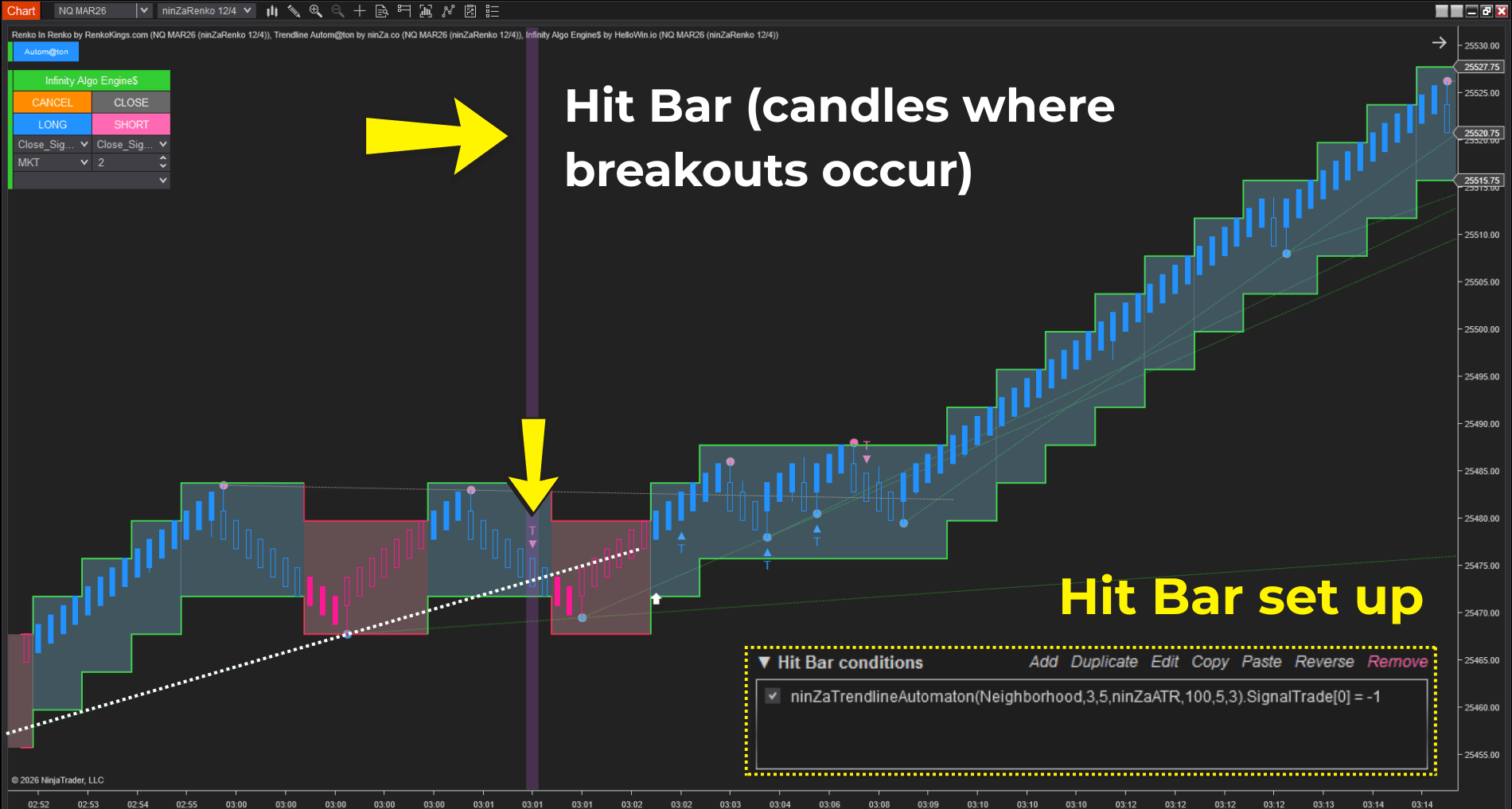
- Hit Bar & Signal Bar separate market validation from trade execution, preserving the integrity of your logic.
Whether you are using encoded or non-encoded signals, built-in NinjaTrader indicators, or 3rd-party tools, the advanced Strategy Builder interprets signals directly on the chart and integrates them seamlessly into your strategy.
Core capabilities of the NinjaTrader Strategy Builder
From simple to multi-layered trading logic
The logic-centric NinjaTrader strategy builder allows traders to build automated futures trading strategies ranging from very simple logic to extremely complex, multi-layered systems:
- Analyze liquidity behavior using OHLC, volume, and delta, including absorption, failed sweeps, and reversals.
- Filter trades based on momentum strength or trend phase.
- Execute multiple trading logics in parallel on the same chart.
- Build strategies for scalping, breakout, trend-following, or reversals.
It adapts to your way of thinking, rather than forcing you to adapt to the system.
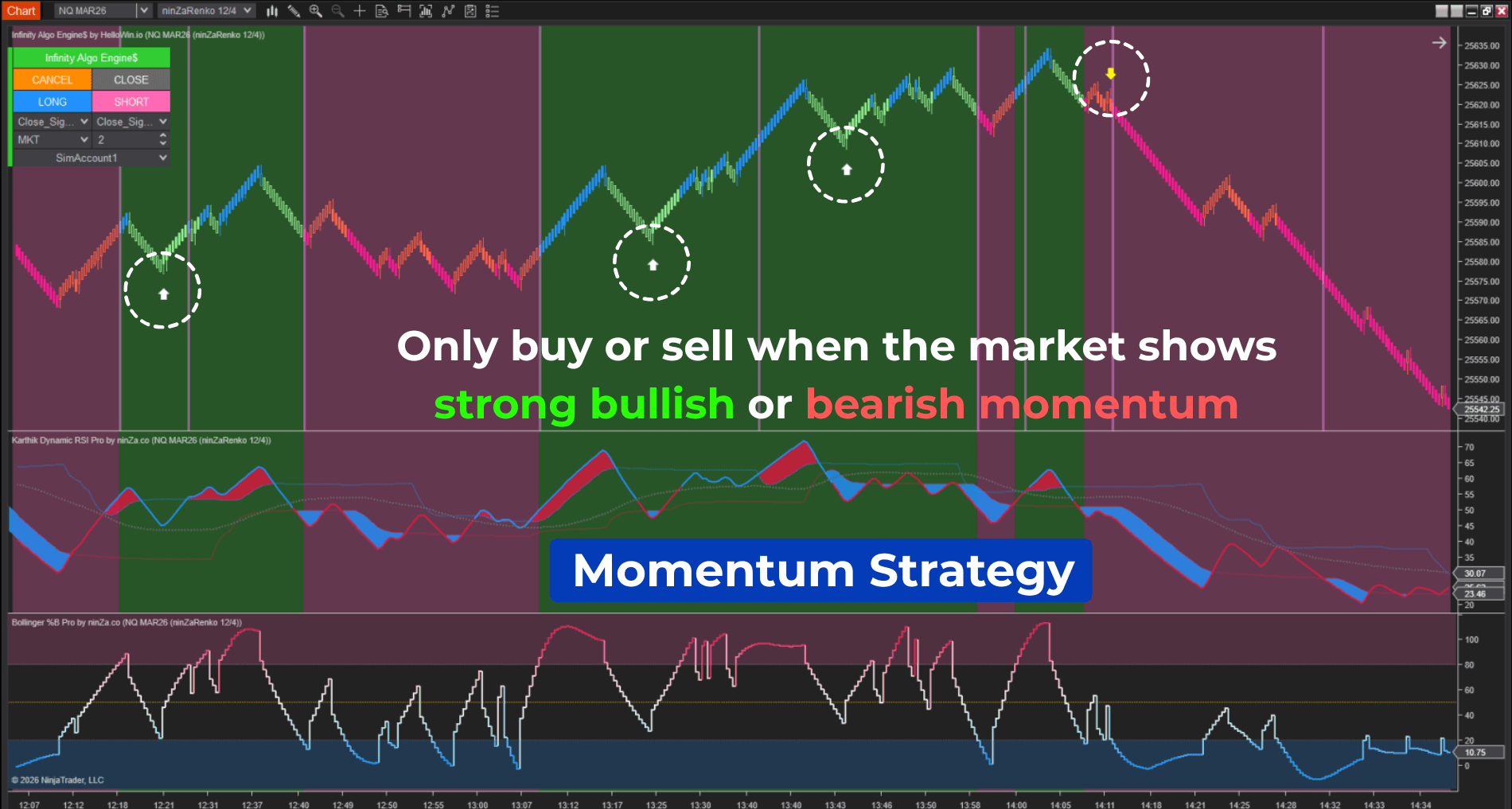
Multi-source indicator signals
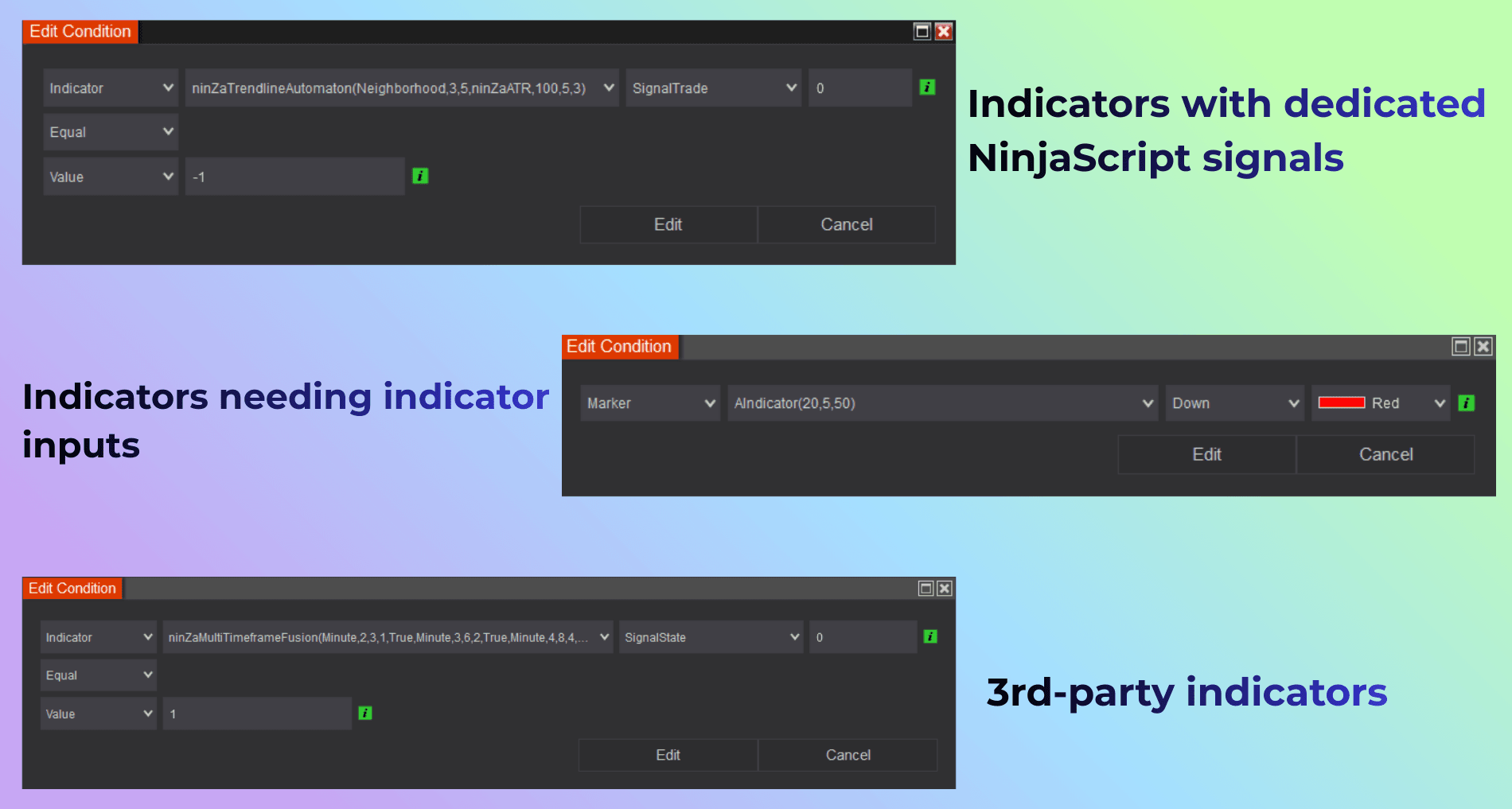
Unlike rule-restricted NinjaTrader strategy builders that depend on predefined indicator inputs, this no-code strategy automation system lets you construct strategies using indicators from multiple providers, including built-in NinjaTrader tools and 3rd-party indicators.
You can build auto trading strategies using:
- Encoded signals generated by custom or scripted indicators
- Non-encoded signals that are not based on NinjaScript logic
- Signals from required-input indicators, such as Multi-Timeframe Fu$ion or Multi-Instrument Synergy
- Signals from 3rd-party indicators developed by external vendors
All indicator signals are interpreted through text-based markers on the chart. These text markers can represent Buy, Sell, or any custom label output by the indicator.
Unlimited conditions and strategy sets
Many 3rd-party NinjaTrader strategy builder tools impose structural limits on logic depth, while the multi-layer strategy builder removes these constraints entirely.
Traders can:
- Apply an unlimited number of conditions to a single Buy or Sell signal within one condition set
- Create an unlimited number of condition sets within a single strategy
This allows you to:
- Enter trades from multiple signal types
- Run multiple trading logics in parallel
- Execute different strategies simultaneously on the same chart
Each condition set can represent a distinct market behavior, setup, or execution rule.
Candle-based strategy logic
This professional strategy builder for NinjaTrader 8 builds auto trading strategies using 2 core candle-based concepts that mirror how discretionary traders read charts in NinjaTrader:
- Hit Bar: The candle that qualifies the market as valid and starts signal detection
- Signal Bar: The candle that confirms the signal and triggers trade execution
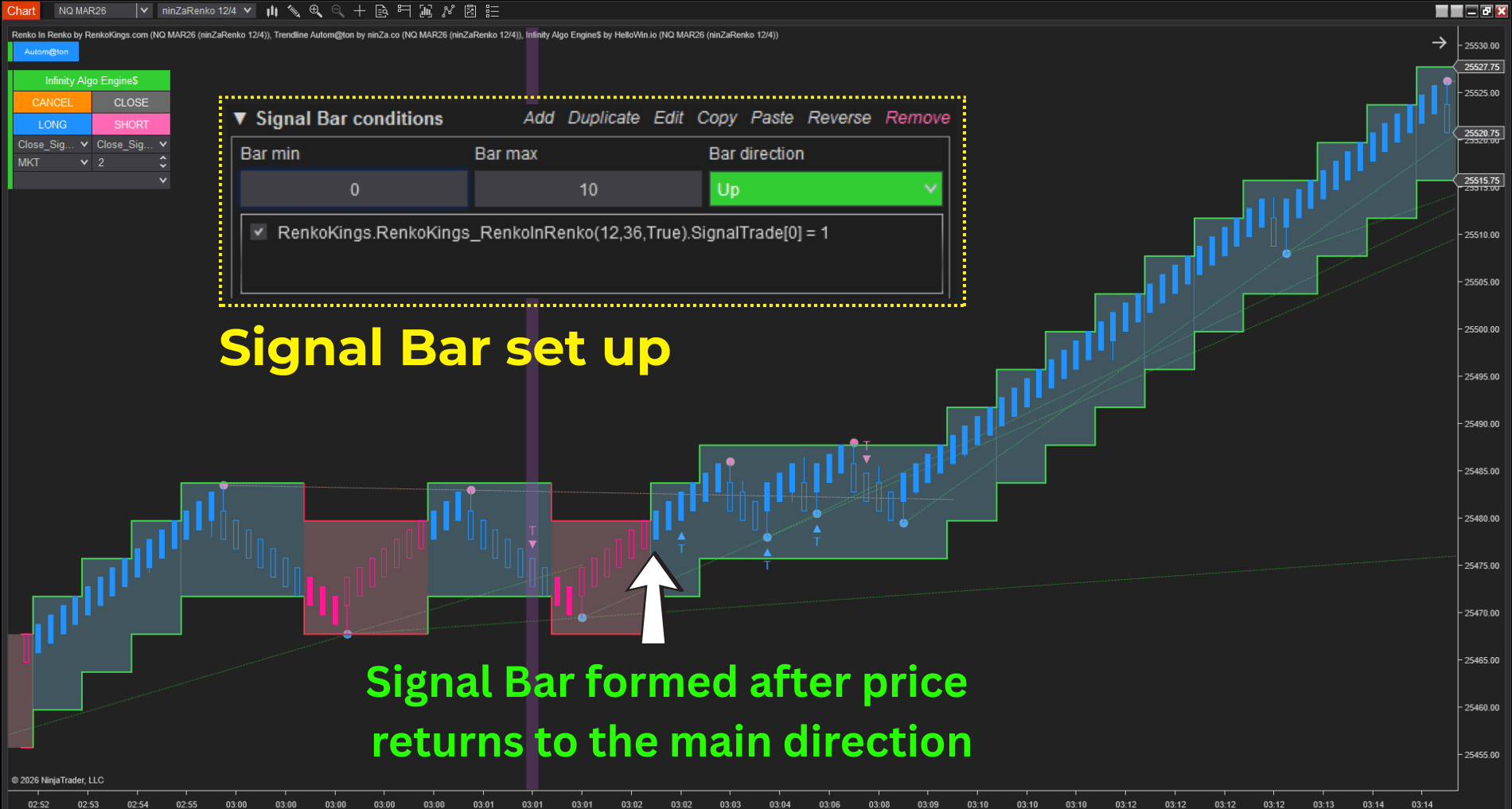
This structure reflects real trading questions:
- When does the market become valid?
- Which candle confirms the entry decision?
By separating market validation from execution, this NinjaTrader strategy builder preserves the integrity of your trading logic and avoids premature or distorted entries.
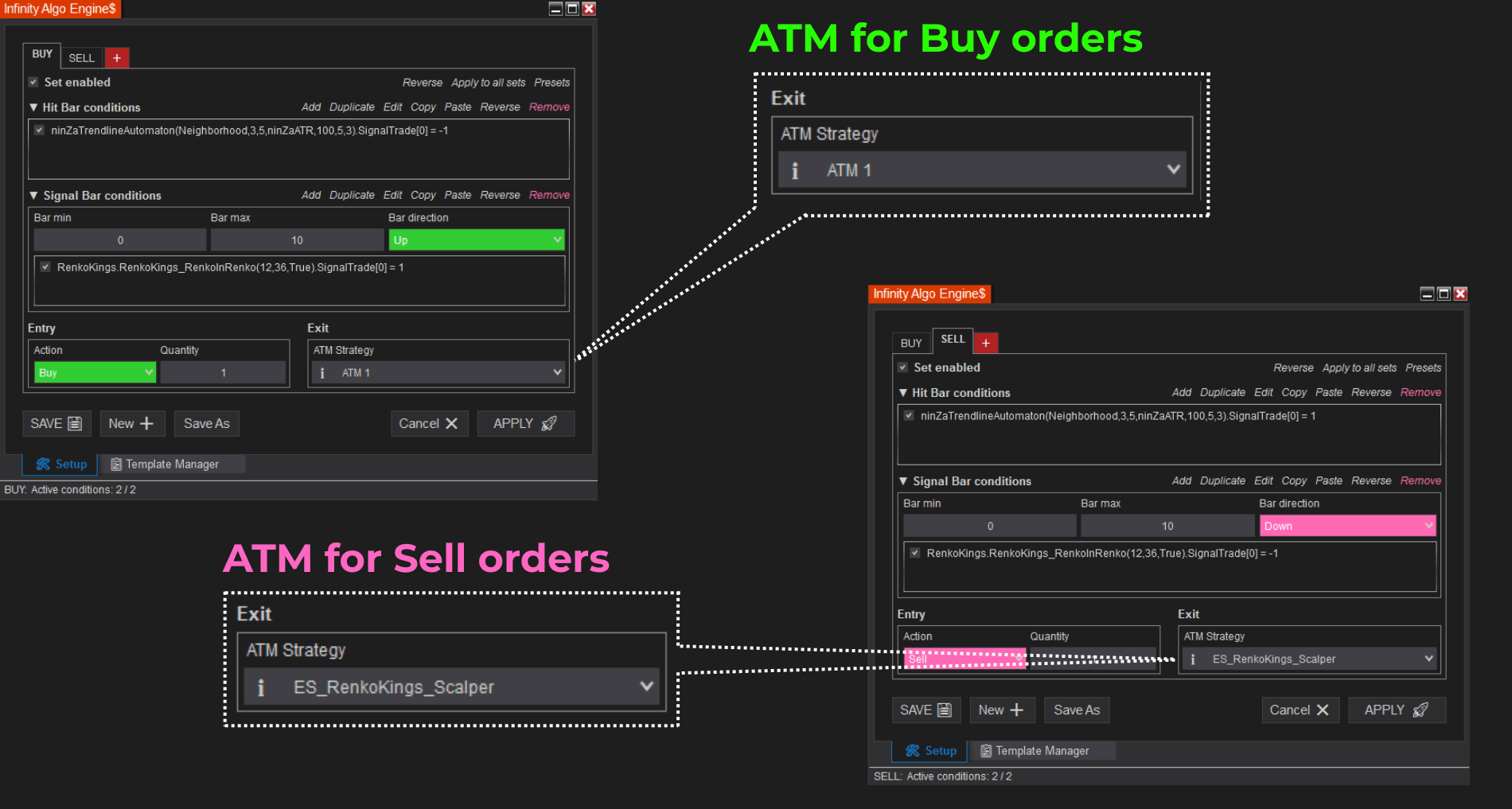
Dedicated ATM per signal & condition set
Separate ATM (Advanced Trade Management) can be assigned to each signal type or condition set. This means:
- Each strategy logic can have its own stop, target, and trade management rules
- Multiple strategies can coexist on the same chart without interference
This level of flexibility is essential for traders running diversified systems within one NinjaTrader environment.
The system also includes built-in risk and capital protection tools that support disciplined trading. Traders can define:
- Max Daily Profit
- Max Daily Loss
Once these thresholds are reached, trading can be automatically restricted, helping traders maintain consistent risk control and account protection.
Backtested strategy template import
The advanced NinjaTrader strategy builder integrates directly with HelloWin Backtest to support a complete strategy development workflow:
- Import strategy templates directly from HelloWin Backtest
- Eliminate the need to rebuild strategies manually
- Maintain original strategy logic without distortion
The complete process becomes: Build → Backtest → Optimize → Trade Live
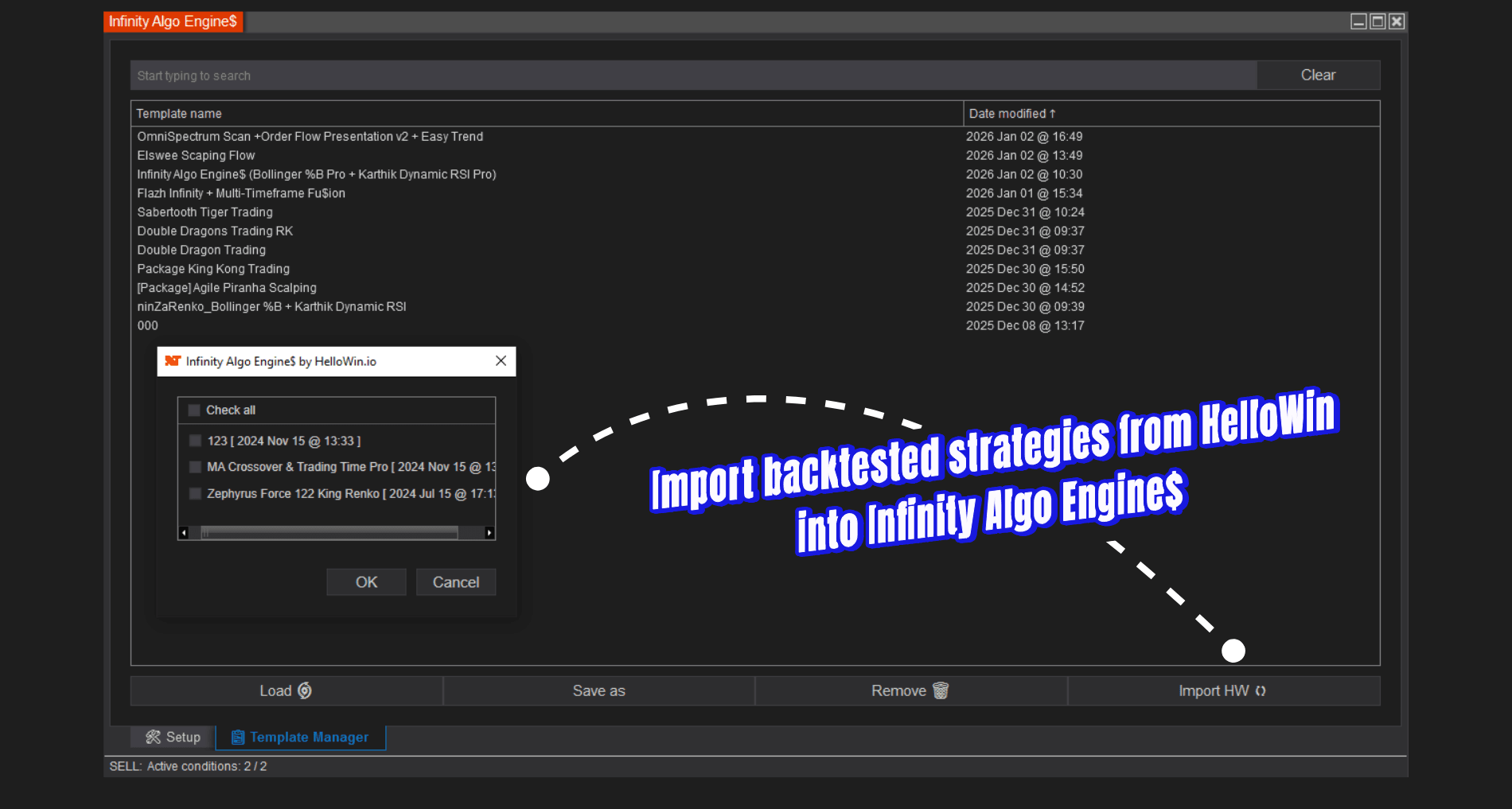
This integration reduces errors, saves time, and ensures consistency between testing and live execution – an essential advantage for any serious strategy builder.
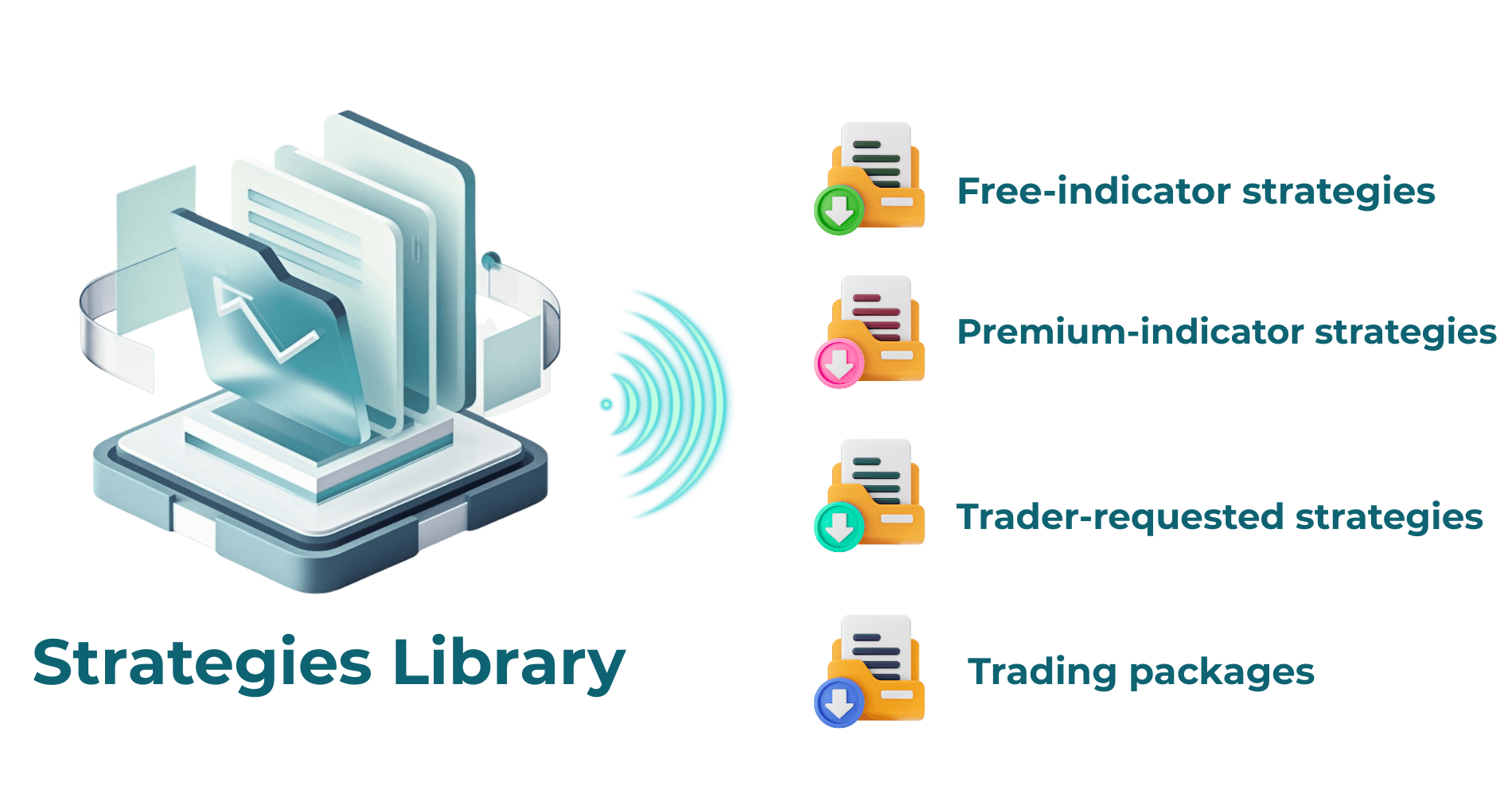
Ready-to-Use strategy template library
A library of ready-to-use strategy templates is included for traders using Infinity Algo Engine$. The templates cover common trading approaches such as scalping, reversals, breakouts, and trend-following strategies.
Each template is built with clearly defined condition sets, signal logic, and execution rules, using both free and premium ninZa.co indicators.
Available strategy templates can be applied directly for trading or used as reference models to study, modify, and expand strategy logic within the NinjaTrader strategy builder environment.
Strategy management & operational utilities
Managing multiple automated trading systems is streamlined through a purpose-built interface designed for a NinjaTrader strategy builder workflow.
- A structured strategy folder organizes all user-created strategy templates in a clear catalog, enabling traders to quickly locate, activate, and manage different setups with minimal operational friction.
- The on-chart dashboard provides direct access to strategy configuration and execution controls.
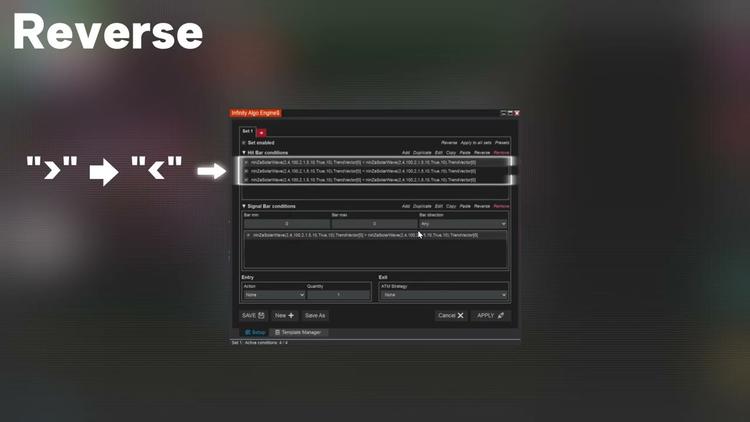
- A set of workflow utilities reduces repetitive configuration work, including logic copy and paste, set duplication, logic reversal, preset application, and selective enable or disable of individual condition sets.
High-speed on-chart strategy execution
The context-driven automation tool executes automated strategies directly on the chart with low-latency processing and operational stability.
Even strategies built with deeply nested conditions and multiple logic layers are evaluated and triggered without delays, ensuring consistent execution behavior under real market conditions.
Building an automated strategy with the context-driven NinjaTrader 8 strategy builder
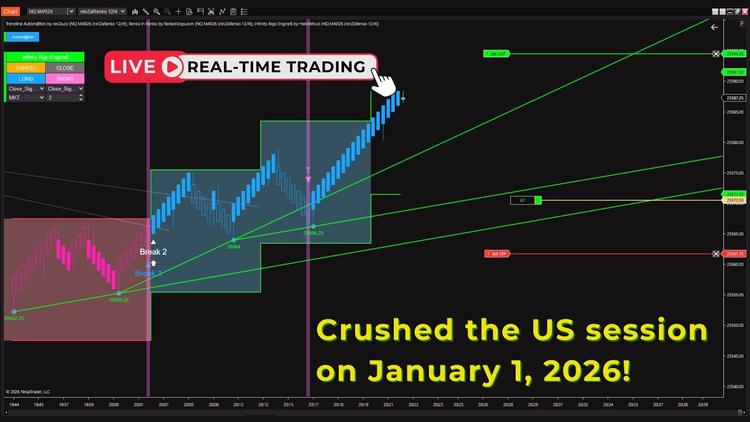
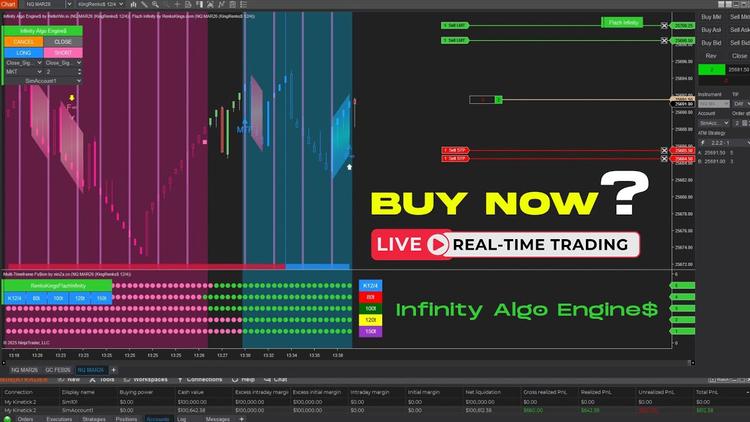
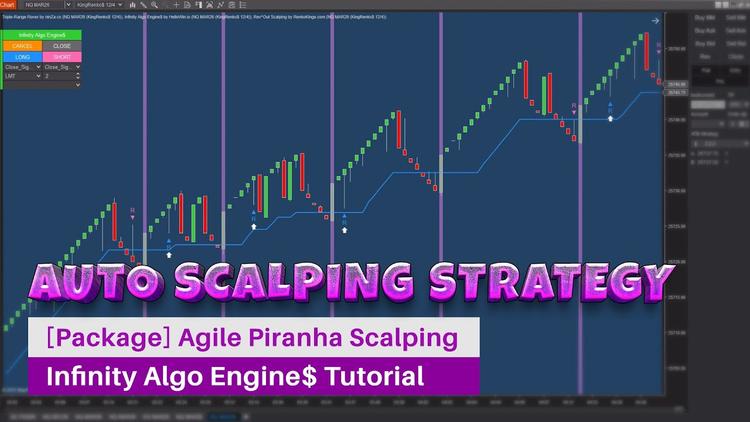
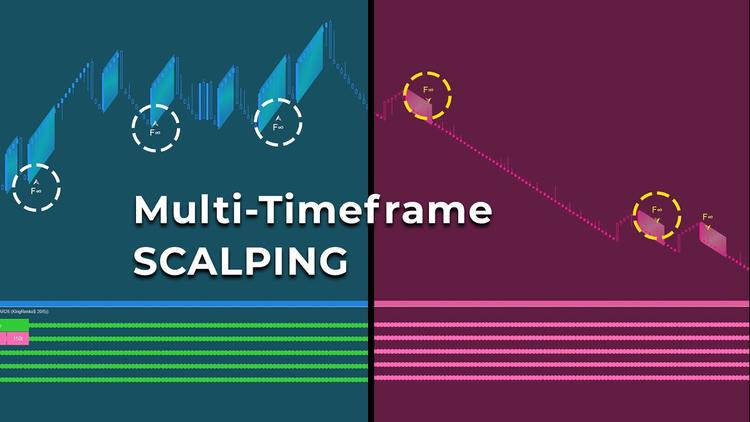
Let’s walk through an example: A scalping strategy built with the NinjaTrader strategy builder, combining Multi-Timeframe Fu$ion and Flazh Infinity across multiple timeframes.
Strategy overview
- Primary trading timeframe: KingRenko$ 20/5
- Entry signal: Flazh Infinity trade signal
- Trend confirmation: Overlapping trend signals from Flazh Infinity across multiple timeframes using Multi-Timeframe Fu$ion: 80 Tick, 100 Tick, 120 Tick, 150 Tick.
Step 1: Add required indicators to the chart
Add the following indicator & systems to your NinjaTrader chart: Infinity Algo Engine$, Flazh Infinity, Multi-Timeframe Fu$ion.
Once applied, the strategy builder automatically detects Flazh Infinity and Multi-Timeframe Fu$ion as strategy inputs, making their signals available for condition building without manual configuration.
Step 2: Open the Strategy Control panel
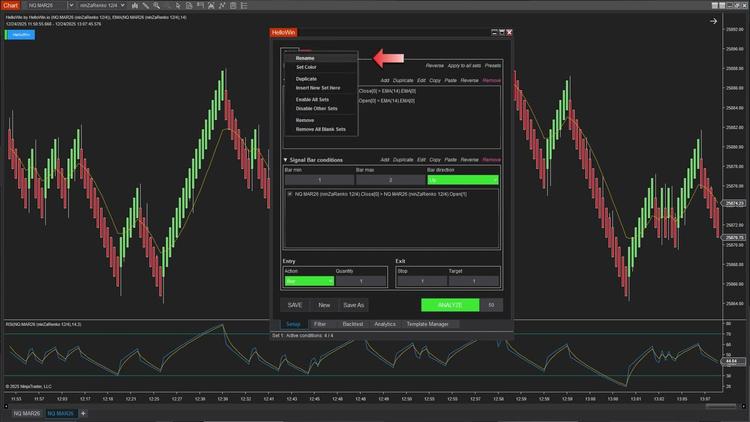
Click the control panel to access the condition dashboard:
- Navigate to Set 1
- Assign a clear name to the Buy condition set
Each set represents a complete and independent trading logic, allowing multiple strategies or scenarios to operate in parallel.
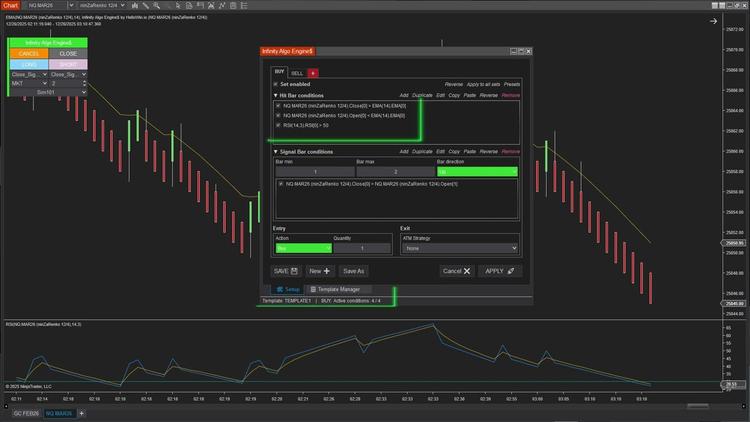
Step 3: Define Hit Bar conditions (Market validation)
For the Buy Set, the Hit Bar represents candles where bullish market conditions are confirmed:
- Use Multi-Timeframe Fu$ion
- Set the signal state to 1
This condition ensures that a bullish trend overlap is present across the defined higher timeframes before execution logic becomes active.
Step 4: Define Signal Bar conditions (Execution trigger)
Configure the Signal Bar, which determines the precise execution timing:
- Bar Min / Bar Max: 0 → 5 (prevents late entries after the trend overlap ends)
- Bar Direction: Up
- Entry signal: Flazh Infinity trade signal = 1
- Action: Buy
This separation between Hit Bar and Signal Bar preserves execution accuracy while respecting broader market context.
Step 5: Assign Trade Management (ATM)
Select a predefined ATM (Advanced Trade Management) template for the Buy Set.
Each condition set can be paired with its own ATM, allowing different execution and risk profiles within the same strategy.
Step 6: Configure the Sell Set
Repeat the same process using inverse logic to define the Sell condition set.
Step 7: Apply and Test
Apply the strategy and begin testing directly on the chart.
Who Is this NinjaTrader Strategy Builder for?
The no-code NinjaTrader strategy builder is designed for:
- Traders who want to automate complex trading strategies without writing NinjaScript code.
- Traders building automated strategies using both NinjaScript-based and non–NinjaScript signals.
- Users working with ninZa.co or third-party indicators and systems who require reliable, chart-level execution.
- NinjaTrader users seeking precise control over entries, exits, and risk management through dedicated ATM logic.
- Traders who need to build, test, and trade multi-layer condition-based strategies efficiently.
This workflow is particularly suited for traders transitioning from manual or semi-automated execution to fully automated strategies within NinjaTrader.
The context-driven NinjaTrader strategy builder is designed for traders who want to automate discretionary and rule-based logic without relying on NinjaScript coding.
The system supports an unlimited number of conditions, allowing strategies to scale naturally from simple rule-based setups to complex, multi-layered logic. This allows traders to focus on strategy creation rather than coding.
Our NinjaTrader 8 add-on library is designed to complement different trading approaches—take a look and see what matches yours.
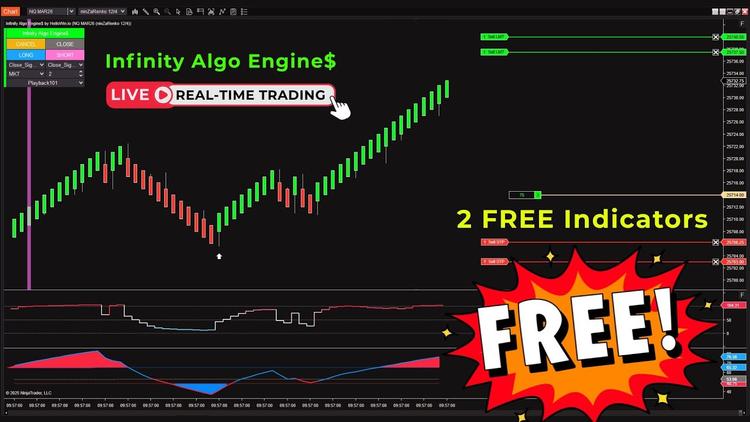
Product Media
These media materials may have been recorded/captured in favorable markets. Please review our “acceptable marketing practices”.
Videos
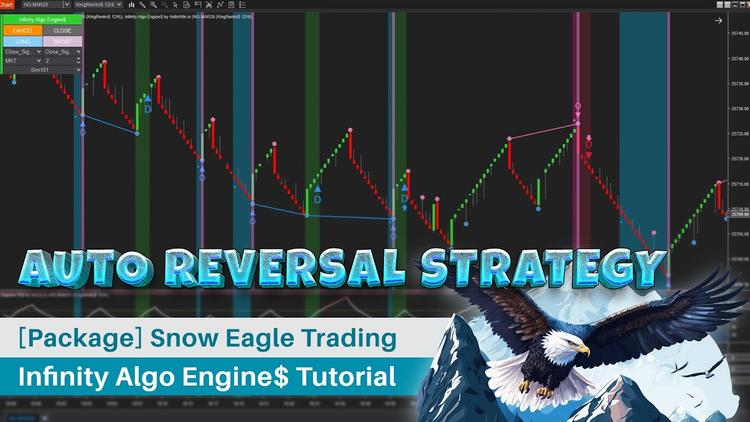
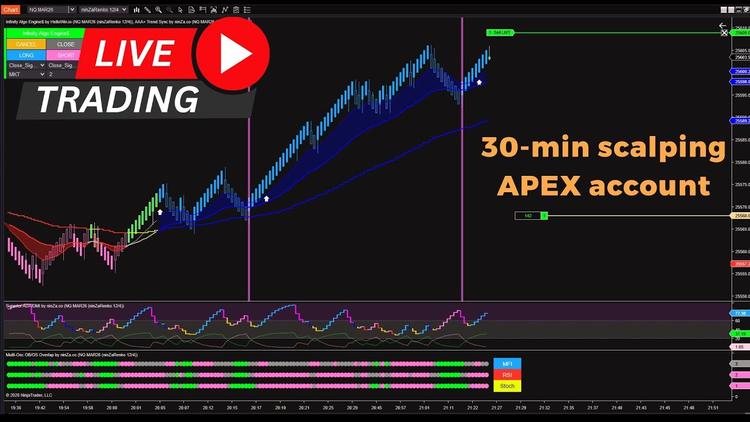

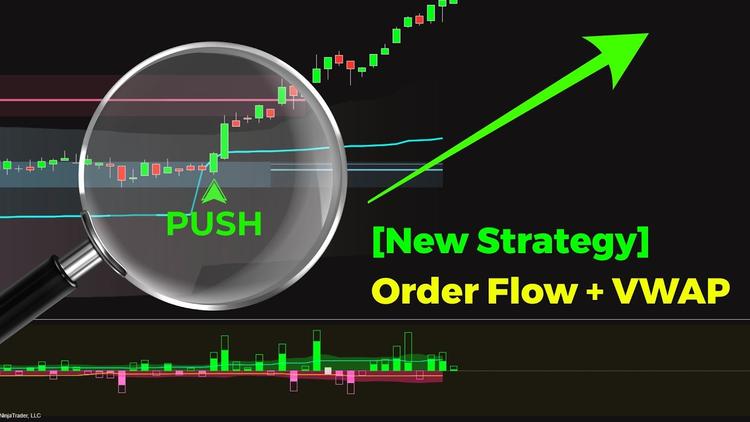
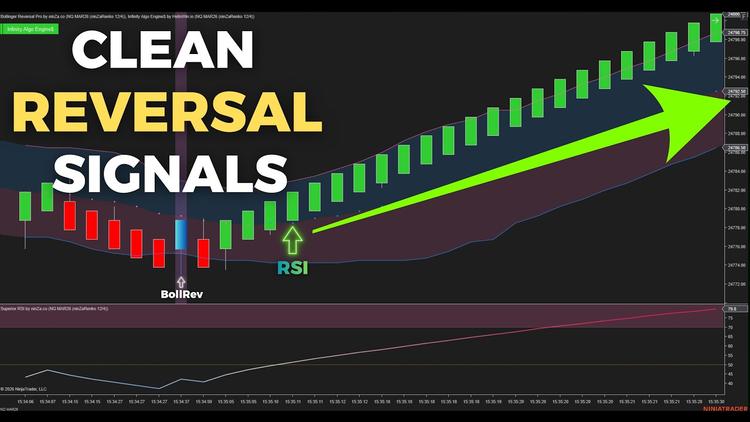
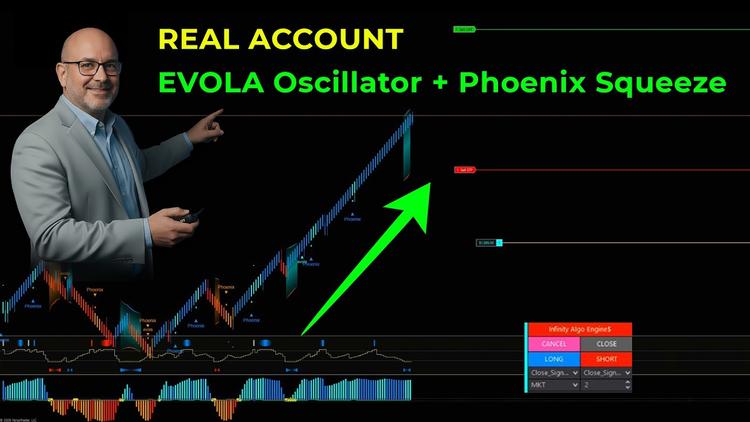

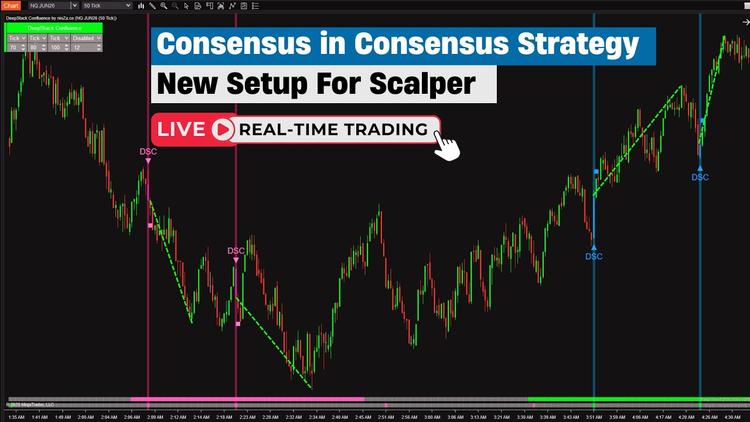
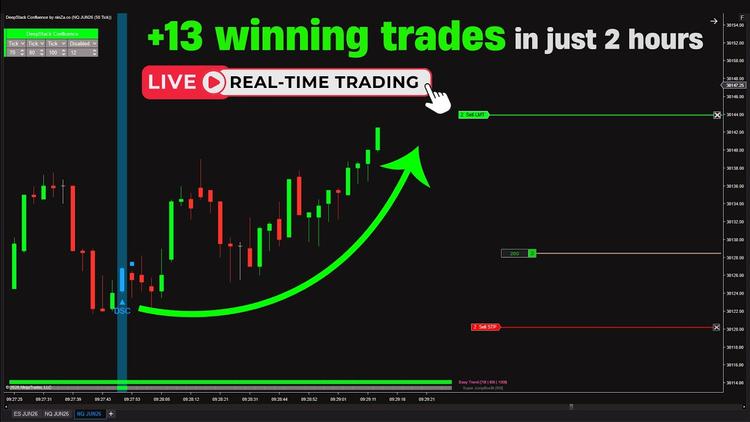
Images
From Happy Customers
by M.
Indicators Improved My Charts. Hannah's Help And Great Customer Service. Will Buy Again.
I have been using the ninZa.co indicators for several months now and am very happy with what a valuable addition they have been to my charts. I recently decided to add one of the recently released indicators from ninZa.co. But after using for a few days, it wasn’t quite what I had been looking for. I contacted ninZa.co and had the pleasure of working with Hannah for an exchange to a different one of the many available indicators. At the time, the indicator I wanted to purchase to replace the one I had recently bought was on sale. Hannah put through an exchange and without my having to ask, gave me the advantage of the sale price. She also included a pdf that provided education about the indicator I chose to switch to. Any time I have had contact with one of the associates from ninZa.co, I have received excellent customer service, and will not hesitate to purchase from them again.
by Bartosz
Grace Goes Above And Beyond: A Customer Support Experience That Exceeds Expectations!
Thank You, Grace! Your support is extraordinary I wish all companies have such great support. Keep going I’m 200% satisfied.
by Kari L.
ConnorsRSI Pro With Grace's Outstanding Customer Service
Thank you very much for your excellent customer service, Grace! You are doing an excellent job making customers' lives much easier.
by T.
An Exemplary Customer Experience At NinZa.Co: Unveiling The Power Of Cumulative Delta
I'm a new customer with ninZa.co and i was needing help today in making a purchase. I made a request on your chat platform and Hannah came to my rescue. She helped me find the what I needed and even offered me a discount. Everything went very smoothly from that point. I made the purchase and she even provided me some documentation on the indicator. I am very pleased with her assistance. Thanks again Hannah for your excellent customer service !!
Which of these 10 trader types are you?
Discover your trader type and find the trading path that fits you best ↓

ninZa.co Indicators
0 online
10 layers of trade confirmation: Trend Following + Order Flow →
[Auto Trading] VWAP & Order Flow: 19 winning trades in 150 minutes
When order flow confirms your entries →
Software Changelog
29 May 2026
An issue that occurred when building conditions with "Order Flow VWAP" was fixed.
04 May 2026
An issue where orders were not entered according to the Bar Min & Bar Max settings was fixed.
19 Jan 2026
The maximum value of the “Entry Per Direction” parameter was increased.