

Exclusive indicator reference & access

Private reference & access

Exclusive indicator reference & access

The indicators featured on this page are exclusive products from NINZA and RenkoKings and are not available for individual purchase through our public websites.

This page gives current owners a single place to review each indicator's features, applications, and technical details.

If you're interested in an indicator you don't currently own, see the access options below.

How to get access

Access tier guidelines

You can choose 1 exclusive indicator based on the final amount paid for a qualifying purchase:

Spend $300 to $400Choose 1 exclusive indicator valued under $500.
Spend $400 to $600Choose 1 exclusive indicator valued under $650.
Spend $600 or moreChoose 1 exclusive indicator valued under $750.

Note: You can purchase 1 product or multiple products in the same order. Eligibility is based on the combined final amount paid, not the value of any individual product.

Interested in an exclusive indicator?

Visit our shop, choose the products you want, and claim an eligible indicator based on your final purchase amount.

Collection / 01

Indicators on this page

We'll add new exclusive indicators to this list as they're introduced.

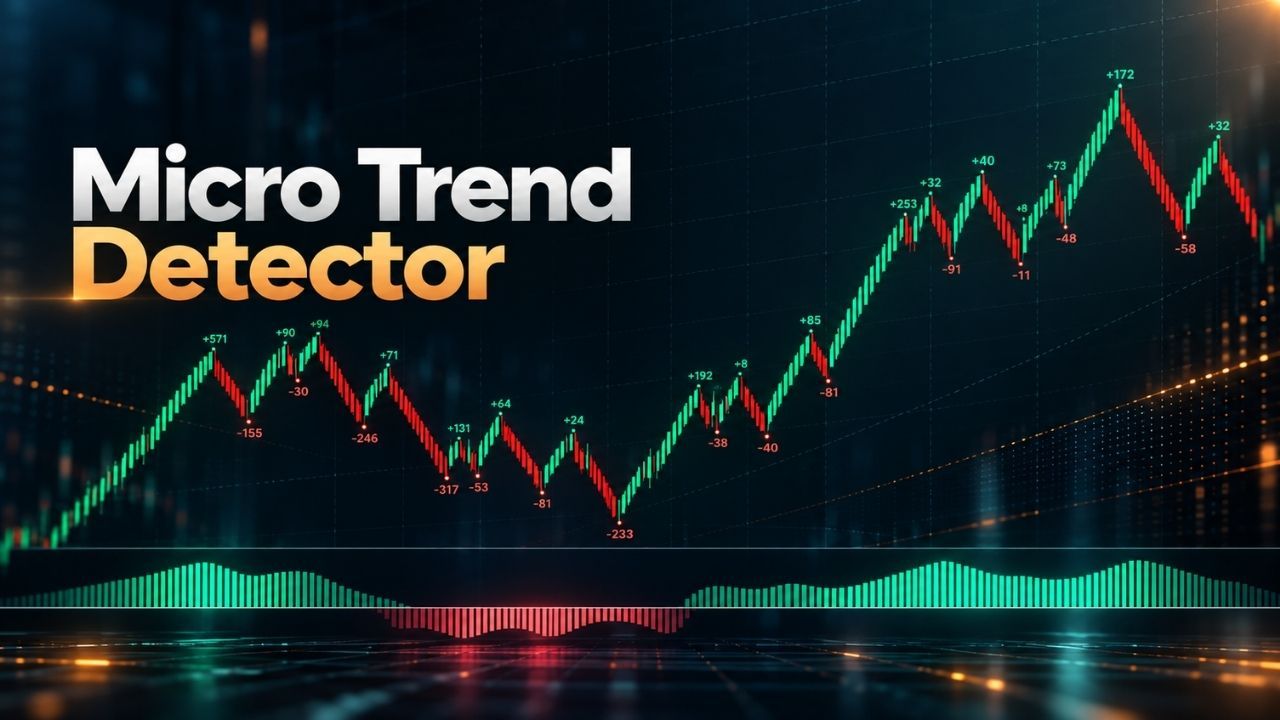
  1. 01Micro Trend Detector avatarMicro Trend Detector
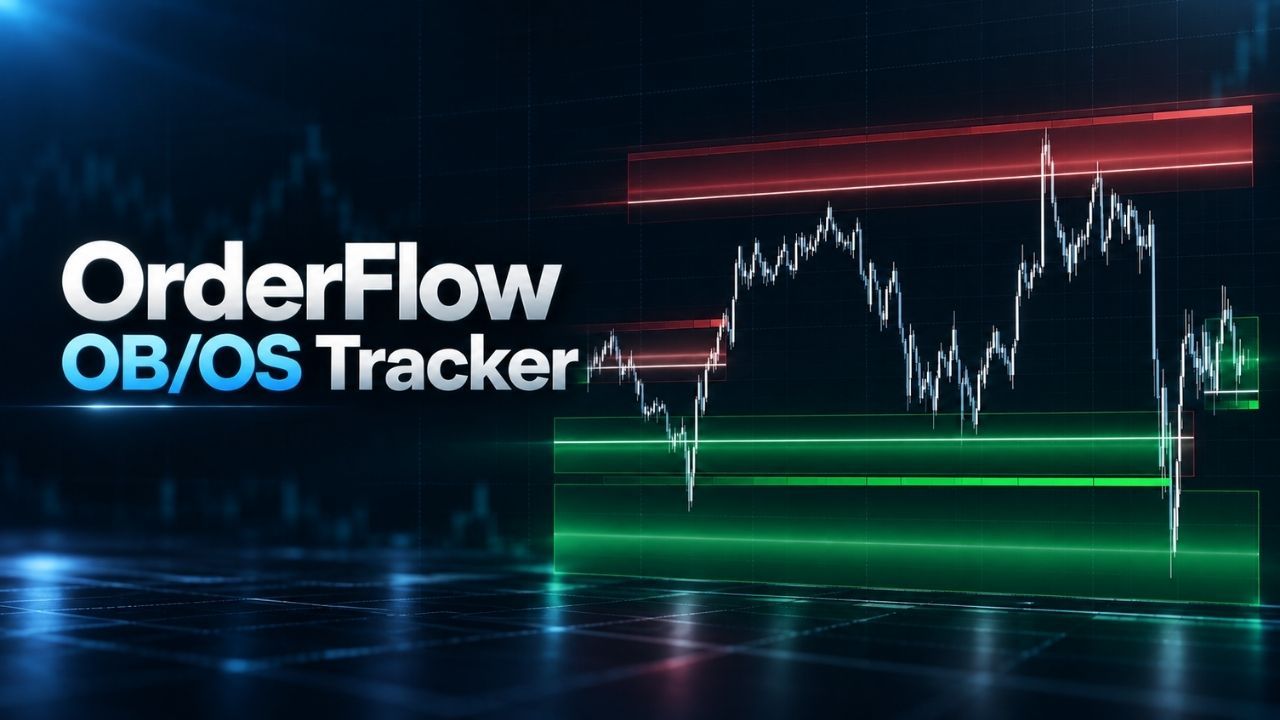
  2. 02OrderFlow OB/OS Tracker avatarOrderFlow OB/OS Tracker
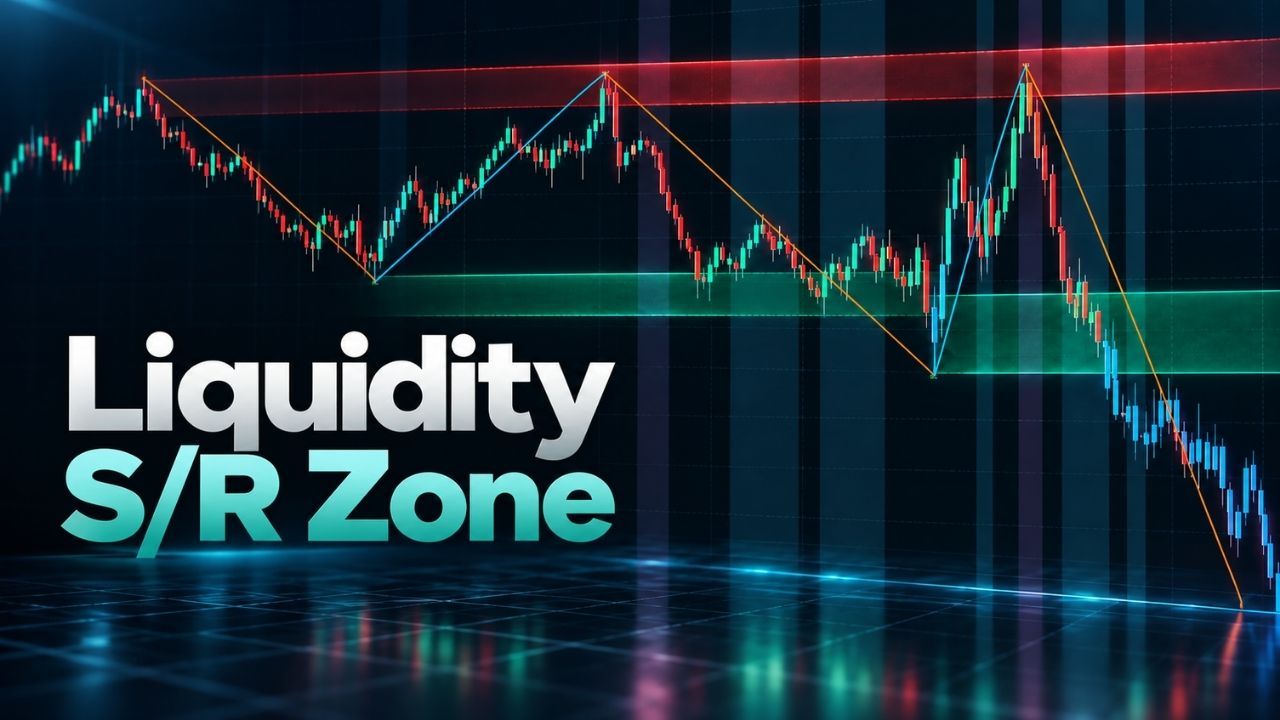
  3. 03Liquidity S/R Zone avatarLiquidity S/R Zone
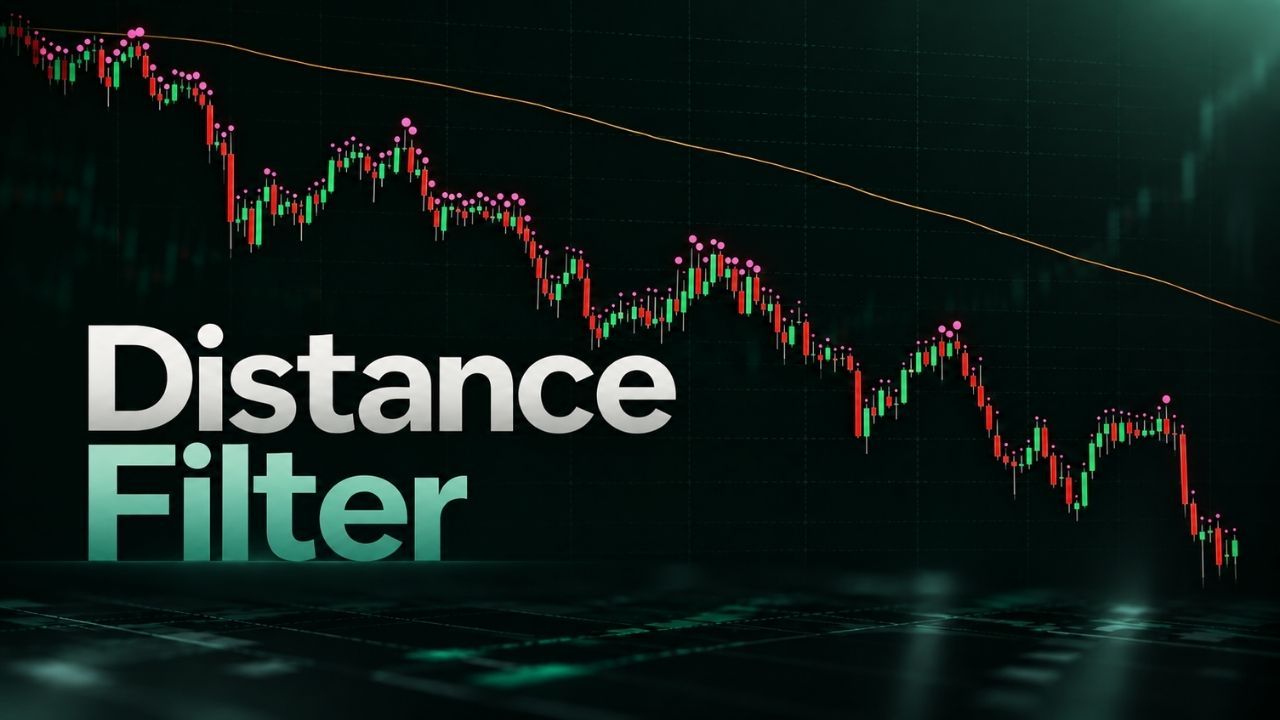
  4. 04Distance Filter avatarDistance Filter
  5. 05Multi-Formula Vol Band chart previewMulti-Formula Vol Band

01

Micro trend / tick-level money flow

Micro Trend Detector

Detect micro trends through tick-level money flow

Product value:$500

How to access: Receive this indicator with the Expansion Entry Scalping Solution, or claim it with a qualifying purchase of $400 or more.

Overview

Traditional tools often use moving averages, volatility, swing highs, swing lows, and other price-based references to determine short-term market direction.

Micro Trend Detector takes a different approach by tracking shifts in money flow at the tick level. 

Even relatively small changes in buying or selling flow can matter during a fast scalp. Tracking those changes helps you recognize developing micro trends and potential shifts in short-term flow.

How to use it

Micro Trend Detector gives you 2 useful perspectives:

  • The broader money-flow context around the setup
  • The immediate micro trend around your entry

You can use it on its own as a directional reference when looking for pullbacks, or use changes in money flow as additional context when evaluating a potential reversal.

It can also work alongside:

  • Trend-following signal indicators
  • Overbought/oversold and reversal indicators
  • Other trend indicators for additional confirmation

Why it matters

  • Adds a tick-level view of short-term money flow beyond price-based references alone
  • Helps you recognize when an entry may be moving against the current short-term flow
  • Makes sudden changes in buying or selling flow easier to identify during fast scalping conditions

Dedicated NinjaScript signals

  • Signal_Trend: 1 = uptrend, -1 = downtrend, 0 = no signal

Software changelog

  • 07 Aug 2026 - The indicator was released (built new).

02

Order flow / participation zones

OrderFlow OB/OS Tracker

Spot S/R areas around sharp increases in liquidity

Product value:$650

How to access: Receive this indicator with the Volume Flow Scalping Solution, or claim it with a qualifying purchase of $600 or more.

Overview

OrderFlow OB/OS Tracker identifies overbought and oversold areas through real-time volume participation rather than traditional lagging oscillators. 

It automatically plots support & resistance zones around areas where volume participation increases sharply and can flip their roles when a zone is broken:

  • Support becomes resistance
  • Resistance becomes support

The indicator also measures momentum as price approaches these areas, giving you additional context for evaluating whether price may react at the zone or continue through it.

How to use it

Because OrderFlow OB/OS Tracker already provides zones and supporting momentum information, it can be used effectively on its own.

If you want to combine it with another tool, a signal-focused indicator is the most natural complement: OrderFlow OB/OS Tracker provides the zone and market context, while the other indicator provides the trade signal.

Why it matters

  • Identifies overbought and oversold zones using real-time volume participation
  • Adds volume context to important S/R areas
  • Helps you evaluate momentum as price approaches a zone
  • Tracks zone flips after support or resistance is broken

Dedicated NinjaScript signals

  • Signal_State: 2 = high in zone, 1 = close in zone, -1 = close in zone, -2 = low in zone, 0 = no signal 

Software changelog

  • 24 Aug 2026 - The indicator was released (built new).

03

Liquidity / support & resistance

Liquidity S/R Zone

Find key S/R areas that can shift between support and resistance

Product value:$550

How to access: Receive this indicator with UTF Suite #1, or claim it with a qualifying purchase of $400 or more.

Overview

Liquidity S/R Zone identifies support & resistance areas using specific swing points derived from a combination of moving averages and momentum. 

This approach is designed to create more consistent S/R zones while keeping the focus on meaningful swing structure.

When price moves strongly through an area, the zone can change roles:

  • Support can become resistance
  • Resistance can become support

The indicator also provides trade-related signals based on S/R zone retests and S/R zone liquidity sweeps.

How to use it

Because Liquidity S/R Zone already provides both zones and trade-related signals, a trend indicator is the most natural addition for broader directional confirmation.

You can also combine it with another zone-based indicator for additional confluence, particularly one whose zones are derived from swing highs and swing lows.

Why it matters

  • Provides S/R zones derived from specific swing points rather than manually drawn levels
  • Tracks changes between support and resistance as market structure develops
  • Helps you monitor retests and liquidity sweeps around those zones
  • Shows both the zone itself and how price is interacting with it

Dedicated NinjaScript signals

  • Signal_Trend: 1 = uptrend, -1 = downtrend
  • Signal_Retest: 1 = retest bullish, -1 = retest bearish
  • Signal_Sweep: 1 = sweep bullish, -1 = sweep bearish
  • Signal_Trade: 1 / -1 = uptrend / downtrend, 2 / -2 = sweep start bullish / sweep start bearish, 3 / -3 = sweep end bullish / sweep end bearish, 4 / -4 = retest start bullish / retest start bearish, 5 / -5 = retest end bullish / retest end bearish 

Software changelog

  • 24 Sep 2026 - The indicator was moved to the NINZA folder in the NT8 Settings window.
  • 04 Sep 2026 - The indicator was released (built new).

04

Distance / reference plot context

Distance Filter

Know when price moves too far from key reference plots

Product value:$600

How to access: Receive this indicator with the Prime Timing Solution, or claim it with a qualifying purchase of $400 or more.

Overview

Distance Filter measures the distance between the current market price and a selected reference plot on your chart.

When price becomes unusually extended from a trend plot, moving average, VWAP, or another important reference, traders may watch more closely for a pullback toward that area.

You define the distance threshold that matters to your setup. When price moves beyond that range, the indicator can alert you automatically.

It also provides a real-time visual reference:

  • Price above the selected plot - markers turn green
  • Price below the selected plot - markers turn pink

The markers update as price moves from one side of the reference to the other.

How to use it

Distance Filter works with compatible plotted outputs, including:

  • Trend plots
  • Moving averages
  • VWAP levels
  • Fractal-based reference levels
  • Other compatible indicator plots

This lets you monitor both distance and relative position directly on the chart instead of repeatedly comparing price with the reference manually.

Why it matters

  • Gives you an objective way to monitor how far price has moved from a selected reference
  • Helps you recognize when price has become unusually extended relative to your chosen benchmark
  • Reduces repeated manual price-to-plot comparison
  • Provides immediate visual feedback as price moves above or below the reference

Software changelog

  • 18 Sep 2026 - The indicator was released (built new).

05

Volatility bands / volume-weighted analysis

Multi-Formula Vol Band

Analyze volatility and price extension with volume-weighted bands

Product value:$700

How to access: Claim this indicator with a qualifying purchase of $600 or more.

Overview

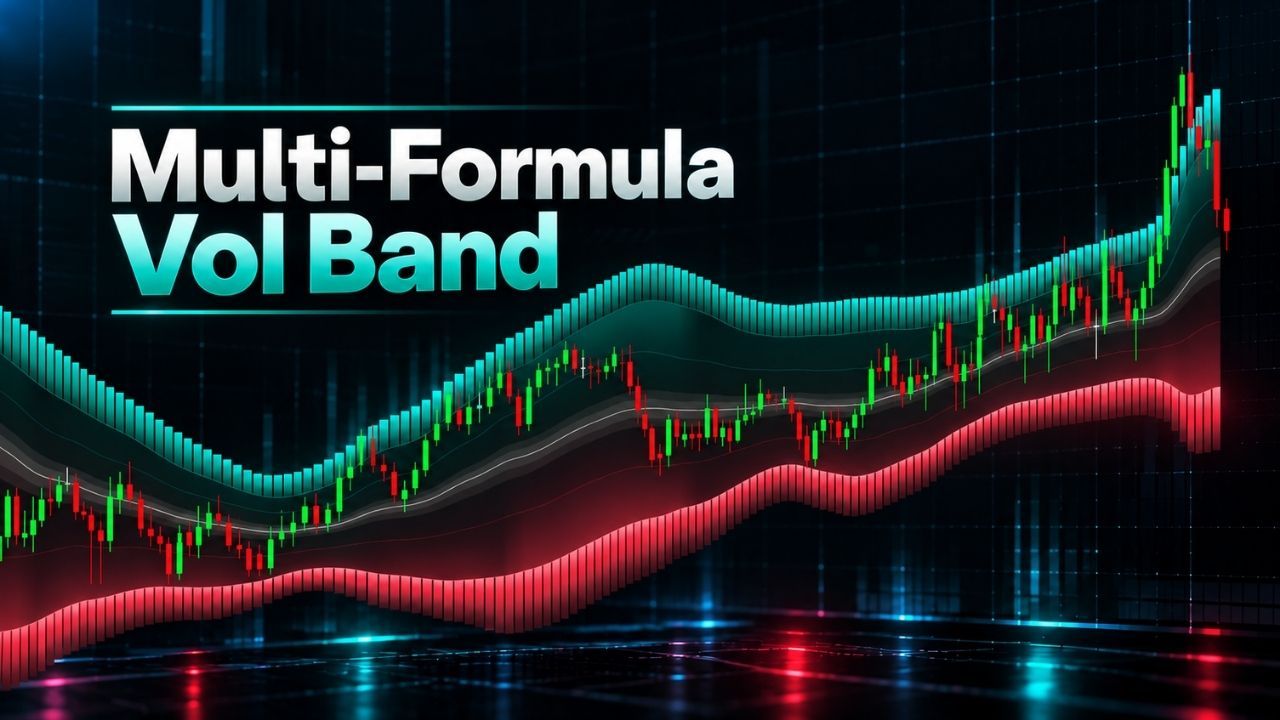
Multi-Formula Vol Band combines 9 middle plot types with an advanced volume-weighted formula to generate 2 dynamic bands for analyzing volatility and price extension.

Unlike conventional standard-deviation bands that weight every candle equally, its formula accounts for differences in volume.

The indicator also displays 3 layers of information across the bands: individual candle absorption, buy/sell volume, and upper/lower band expansion levels.

How to use it

The 9 middle plot types give you different reference points for evaluating price extension and potential moves back toward the middle plot.

You can monitor highlighted contraction and expansion zones to see how the bands change, while using candle absorption, buy/sell volume, and band expansion information for additional market context.

The indicator also provides 2 types of trade signals for pullback and reversal setups.

Why it matters

  • Offers 9 middle plot types for analyzing price extension relative to different references
  • Accounts for differences in volume instead of weighting every candle equally
  • Displays candle absorption, buy/sell volume, and upper/lower band expansion information directly on the bands
  • Automatically highlights band contraction and expansion zones
  • Provides separate trade signals for pullback and reversal setups

Access request

Interested in an indicator you don't own?

Explore our shop to choose products that meet the qualifying purchase requirements, or contact our team if you'd like help with indicator access.

After a qualifying purchase, our team will contact you about the eligible indicator of your choice. You can also contact us first if you'd like guidance before ordering.

Download ~ 40 FREE indicators & reach more useful resources !!!

Your most-used email

LIVE Intraday Trading | Stop chasing Early Entries. Let Timing guide your entry →


Join server
discord-avatar

NINZA Indicators

0 online


